eBay Listing Description Template for Used Electronics
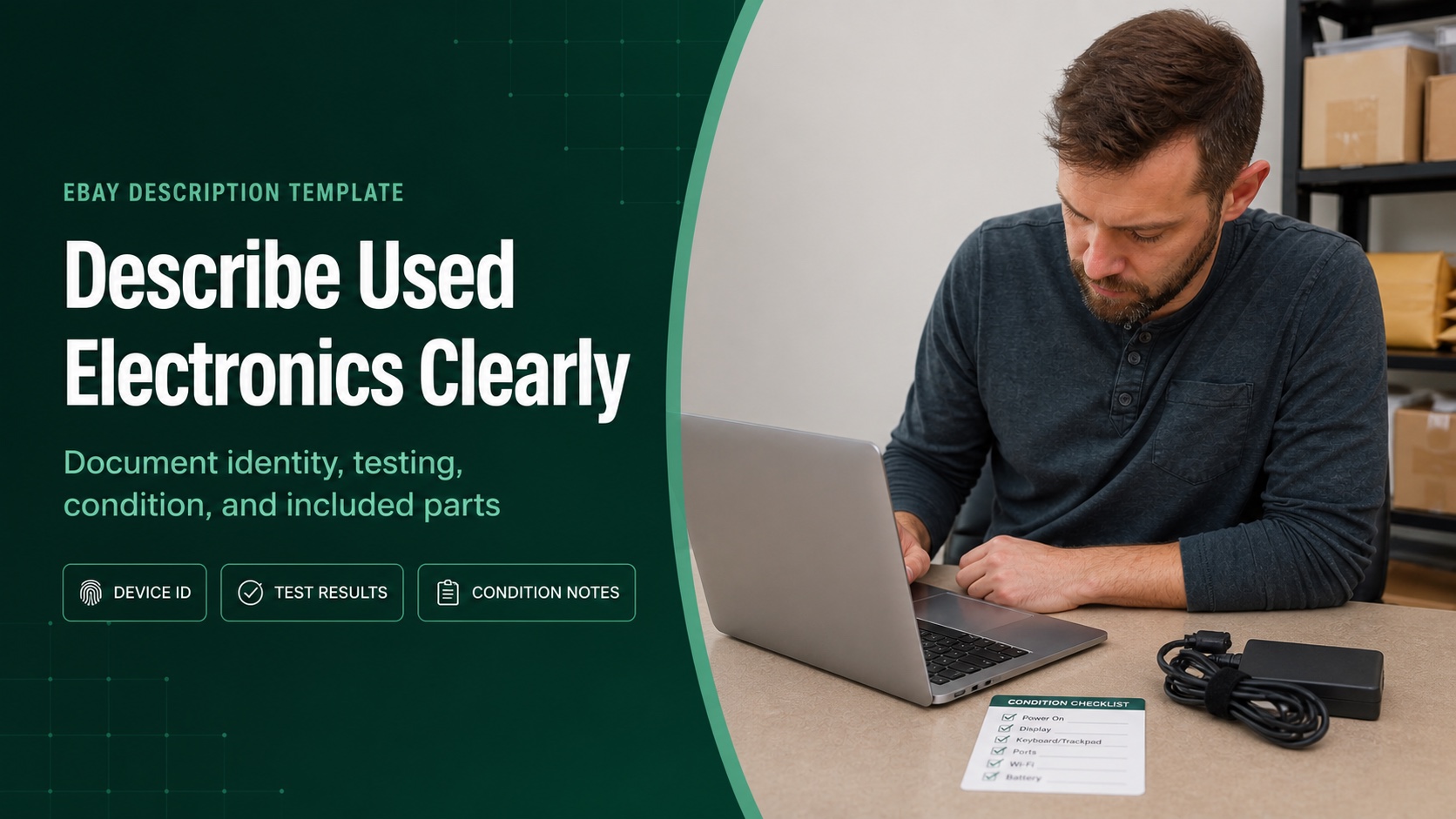
A good eBay description for used electronics should tell the buyer exactly what the device is, what you tested, what worked, what you did not test, its cosmetic condition, battery observations, known defects, and everything included in the box. Skip vague claims such as “works great.” Buyers need evidence they can compare with the photos.
The template below is built for laptops, tablets, cameras, audio gear, game systems, and similar devices. Copy it, remove sections that do not apply, and replace every bracketed prompt with a verified fact. Never let a placeholder or assumption survive the final review.
Quick answer: Write the description in six blocks: identity, functional testing, cosmetic condition, battery or consumable status, included items, and known defects or untested functions. Keep the condition selection, item specifics, description, and photos consistent.
Copy This eBay Listing Description Template
ITEM
[Brand] [model] [device type], [color], [storage/capacity/configuration].
Serial number is recorded for seller records. [Include only a partial serial in the public listing if appropriate.]

TESTING
Tested for: [power], [charging], [display], [buttons/keyboard], ,
[camera], [Wi-Fi/Bluetooth], [ports], and [other category-specific functions].
Results: [state exactly what worked and how it was checked].

NOT TESTED
[List every material function you did not test].

COSMETIC CONDITION
[Describe wear by location: lid, screen, body, corners, ports, controls].
[Describe cracks, dents, scratches, dead pixels, stains, corrosion, or repairs].
Please review all actual-item photos; close-ups show the noted wear.

BATTERY / CONSUMABLE PARTS
[State whether it charged and what runtime test, if any, was performed].
Battery capacity and future runtime are not guaranteed unless specifically stated.

INCLUDED
- [Device]
- [Charger/cable/accessory]
- [Any removable parts]

NOT INCLUDED
- [Original box/manual/cable/stand/remote/media/accessory]

NOTES
[Operating system or reset status, activation/lock status, account removal,
storage removal, or other fact the buyer needs before use].
Do not paste the whole template when half the fields are irrelevant. A camera buyer does not need a laptop keyboard section. A receiver buyer may need channel testing, input testing, remote status, and speaker-terminal condition. The structure stays stable; the evidence changes by category.
Why Used Electronics Need an Evidence-First Description
Used electronics can look fine while hiding a weak battery, intermittent port, account lock, damaged connector, missing charger, or untested feature. That is why the description should read more like a clear inspection record than a sales brochure.
eBay’s item description policy says descriptions must be accurate and the selected condition should remain consistent across the title, description, and item specifics. Its selling practices policy also requires sellers to describe defects and use photos of the actual item for used, refurbished, or flawed goods.
That consistency protects both sides. If the condition field says Used, the title says Tested, the description says only “powers on,” and the photos hide a cracked corner, the listing makes four different promises. A buyer should get one coherent version of the device.
Before entering a condition value in a template or upload, use this eBay item condition code preflight to check the exact category and the physical evidence for each SKU.
1. Identify the Exact Device and Configuration
Start with the label, model number, settings screen, service tag, or other reliable identifier. Record brand, model, color, capacity, memory, storage, connectivity, regional version, and any configuration detail that changes value or compatibility. Do not copy specifications from a similar-looking model.
For a laptop, “14-inch silver laptop” is not enough. Buyers may need the processor, installed memory, storage size and type, display size, keyboard layout, operating system status, and charger rating. If you cannot verify a specification, omit it or say it was not verified. Guessing creates a cleaner paragraph and a worse listing.
2. State Exactly What You Tested
“Tested” is useful only when the buyer knows the scope. List each function checked and the observed result. A laptop might power on and show a clean display while still having an untested webcam or a loose USB port. Treat those as separate facts.
| Weak wording | Better wording | Why it is better |
|---|---|---|
| Works great | Powered on, connected to Wi-Fi, played audio through both speakers, and recognized a USB flash drive. | Names the functions and results. |
| Battery is good | Battery charged and the laptop ran unplugged for 45 minutes during setup; longer runtime was not measured. | Separates observation from a future promise. |
| All ports work | One USB-A port and the headphone jack were tested. HDMI and the second USB port were not tested. | Does not extend one test to every connector. |
| Screen is perfect | Display produced an image at startup. No cracks were observed; one faint pressure mark is visible on dark screens. | Describes the actual condition without an absolute claim. |
Use three status labels internally
A simple intake sheet can mark each function as passed, failed, or not tested. The public description should turn those labels into plain sentences. Never convert “not tested” into “no known issues.” One means you lack evidence; the other sounds like evidence.
3. Describe Cosmetic Condition by Location
“Normal wear” forces the buyer to interpret your standard. Name the wear and where it appears: two scuffs on the left-front corner, scratches on the lid, shine on the keyboard, a chip beside the charging port, or a faint mark near the screen edge.
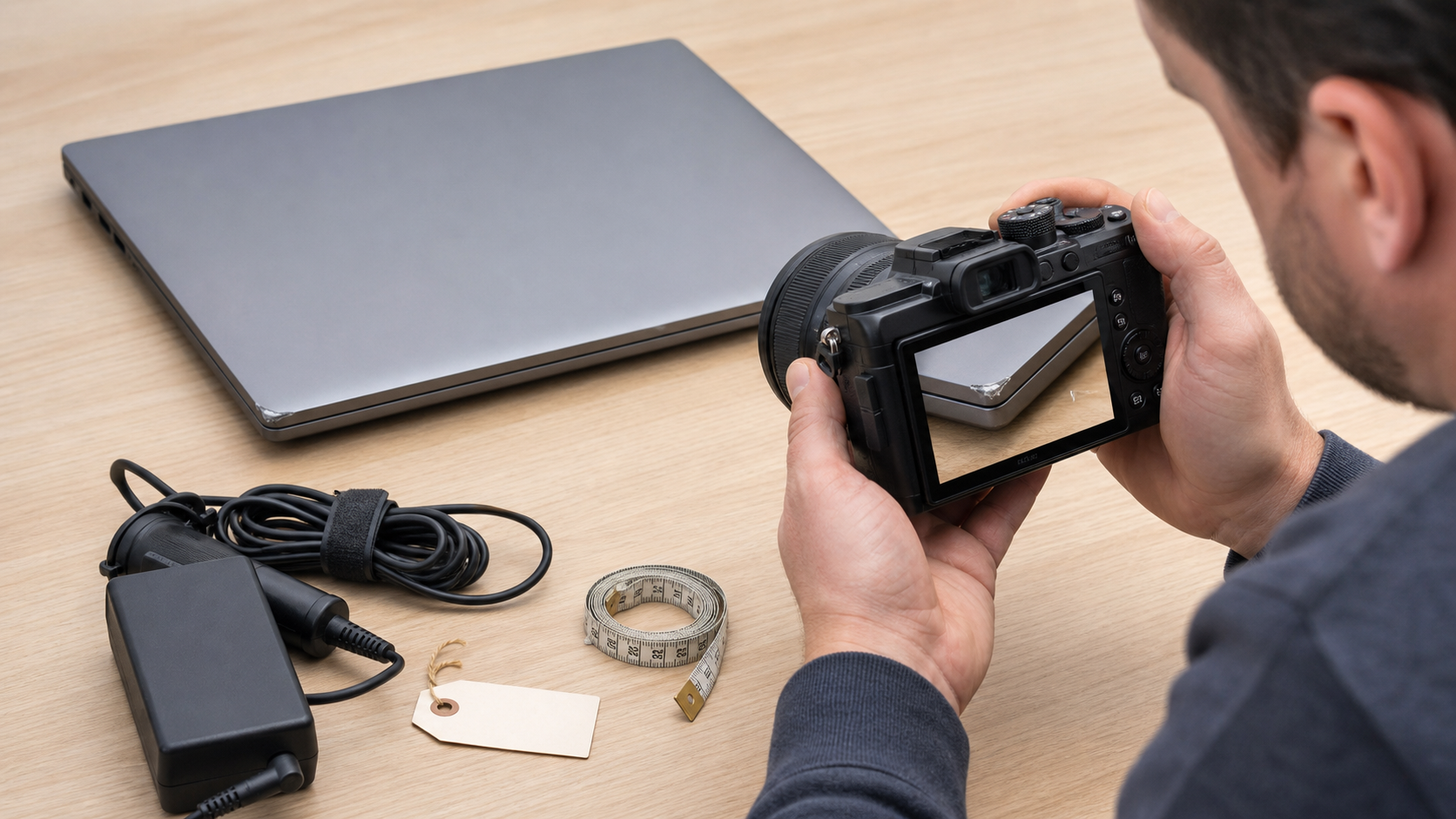
Photograph every meaningful defect close up, then include a wider image that shows where it sits on the device. eBay’s current photo guidance recommends several clear images and specifically tells sellers to show scratches, flaws, and other imperfections. For used inventory, the actual-item photos are part of the disclosure.
4. Handle Battery Condition Without Overpromising
Batteries are consumable parts. “Holds a charge” might mean five minutes or five hours, so add the observation behind the phrase. If you performed a timed unplugged test, state its length and what the device was doing. If you only confirmed that the charging indicator appeared, say exactly that.
Practical wording: “Battery accepted a charge. The laptop ran unplugged for 45 minutes during setup and web browsing; a full capacity test was not performed. Future runtime will vary with settings and use.” Adjust this statement to your real test—never reuse the number if you did not run that test.
The same rule applies to camera batteries, rechargeable controllers, headphones, and other devices. Report the evidence you collected. Do not turn a short test into a warranty.
5. List Included and Missing Accessories Separately
eBay’s general listing guidance specifically uses used electronics as an example: sellers should say which cables are included. A buyer should not have to infer that the charger, remote, stand, battery, lens cap, memory card, or original box comes with the item because it appears in one photo.
Use two short lists: Included and Not Included. Check the charger output and connector rather than assuming any adapter beside the device is correct. For bundles, make the main photo and description agree on every component.
6. Explain Reset, Lock, and Account Status
Before listing a device, remove personal data and accounts using the correct manufacturer process. In the description, state only what you verified: factory reset completed, setup screen reached, activation status checked, or storage removed. Do not claim a device is unlocked unless you performed the relevant check.
If the item is sold without storage, say so in the title or description where a buyer will see it. If an account lock, firmware password, management profile, or carrier restriction remains, disclose it plainly and choose a condition that matches the device’s usable state.
Used Laptop Description Example
Here is what the template looks like after a seller replaces the prompts with facts. The example is intentionally plain. Used-electronics buyers usually value clarity more than adjectives.
Item
Unbranded 14-inch silver laptop with 8 GB memory and 256 GB solid-state storage. Model and configuration were verified from the device settings and bottom label.
Testing
Powered on and completed startup. Wi-Fi connected to a test network. Keyboard, trackpad, webcam, both speakers, headphone jack, and one USB-A port responded during testing. The display produced a stable image. HDMI and the second USB port were not tested.
Cosmetic condition
Used condition. Light scratches are present on the lid, with a small scuff on the left-front corner. The screen has no observed cracks; a faint pressure mark is visible on a dark background. See close-up actual-item photos.
Battery
Battery accepted a charge and ran unplugged for 45 minutes during setup and web browsing. A full capacity test was not performed, and future runtime is not guaranteed.
Included
Laptop and compatible power adapter only.
Not included
No original box, manual, recovery media, mouse, or other accessories.
Reset status
Personal data was removed and the device was returned to its setup screen before packing.
Notice what is missing: “excellent,” “perfect,” “like new,” and “everything works.” The example makes narrower claims that the seller can support.
How to Turn Test Notes Into an AI-Assisted Draft
A reusable template speeds up manual writing, but the same verified inputs can also feed an AI workflow. The Maxmerce eBay AI Listing Tool is designed to create review-ready eBay listing drafts from product photos and details, including titles, descriptions, item specifics, attributes, and condition notes.
- Photograph the exact device, labels, ports, accessories, and defects.
- Paste your identity, testing, battery, condition, included-items, and untested-function notes.
- Generate the eBay draft.
- Compare every claim with the test sheet and the physical device.
- Edit unsupported wording before publishing.
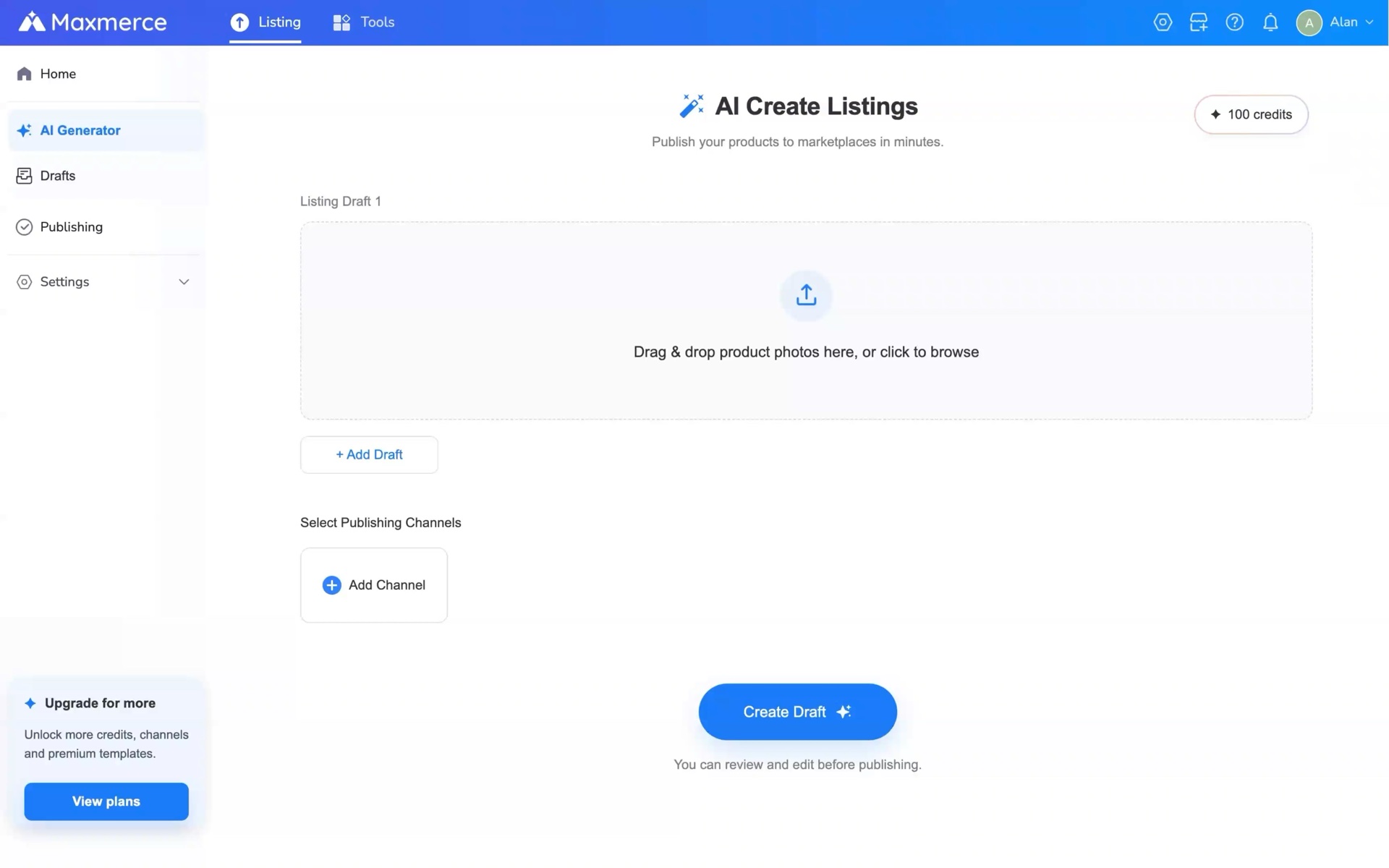
AI can organize the information. It cannot test the battery, look inside a port, prove ownership, confirm a hidden specification, or decide that a defect is too minor to mention. Keep the seller review as a required step.
Keep title research separate from condition disclosure. If you also need buyer-language ideas, use an eBay keyword research tool before writing the title; do not turn the description into a repeated keyword block.
Six Description Mistakes to Remove Before Publishing
- Calling a power-on check “fully tested.” Name the functions you actually checked.
- Copying specifications from a similar model. Verify the exact configuration from the item.
- Using absolute condition words. Replace “perfect” with observable details and photos.
- Hiding untested functions. A short Not Tested section is clearer than silence.
- Leaving accessories ambiguous. Separate Included from Not Included.
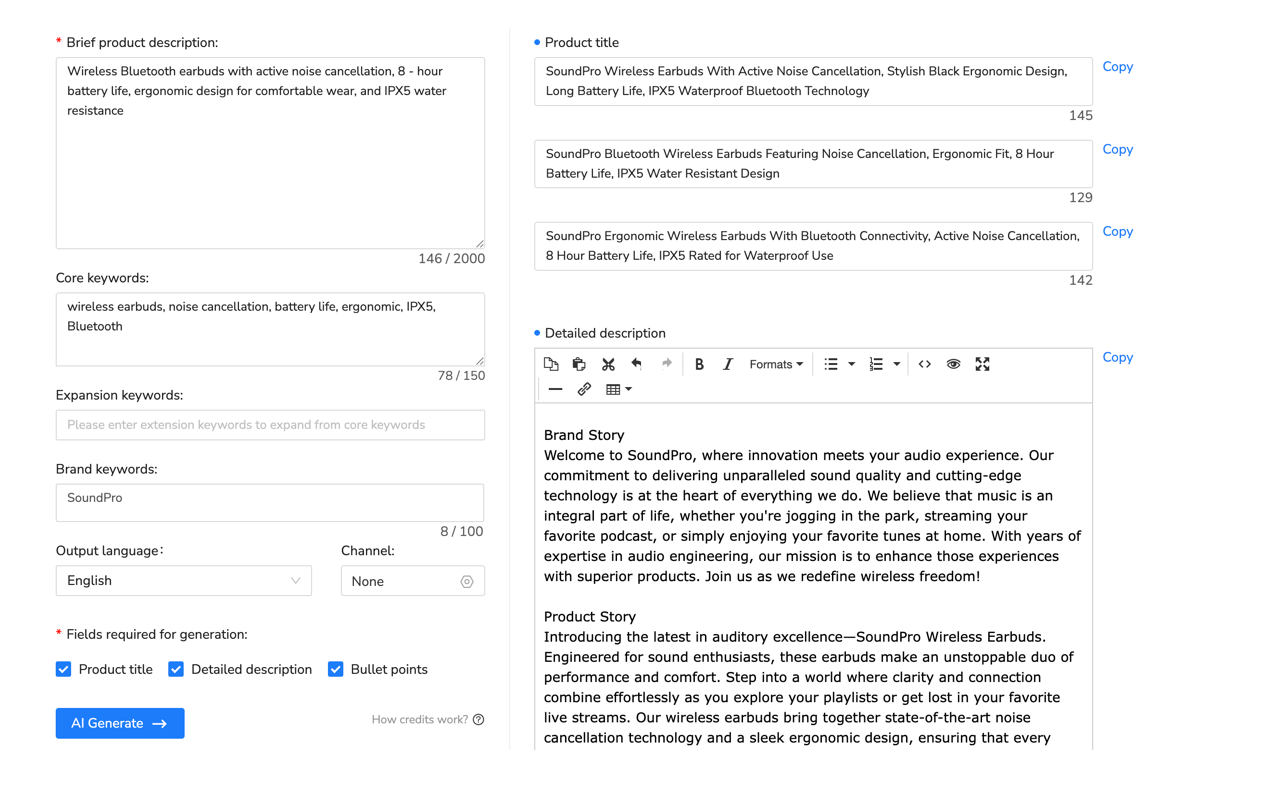
- Publishing generic AI copy unchanged. Remove invented features, unsupported performance claims, brand stories, and adjectives that do not describe the actual unit.
Pre-Publish Checklist for Used Electronics
- Model and configuration match the device label or settings.
- Every tested function has a specific result.
- Every material untested function is named.
- Battery wording matches the test that was actually performed.
- Cosmetic wear is described by type and location.
- Defects appear in both the description and close-up photos.
- Included and missing accessories are unambiguous.
- Reset, storage, carrier, activation, or account status is accurate.
- Condition selection, title, item specifics, description, and photos agree.
- Shipping and returns are reviewed for the correct eBay site and category.

Frequently Asked Questions
How long should an eBay description for used electronics be?
Use enough detail to cover identity, testing, condition, battery, accessories, defects, and untested functions. Scannable headings and short lists are more useful than a long paragraph of generic sales copy.
What does tested mean in an eBay electronics listing?
It means you checked named functions and recorded the result. “Powered on, connected to Wi-Fi, and played audio through both speakers” is evidence. “Tested” by itself is not.
How should I describe battery condition?
State whether it charged, how long you observed it running unplugged, and what the device was doing during the test. If runtime was not measured, say so.
What should I say when a function was not tested?
Name the function: “HDMI output was not tested.” Do not imply an untested feature works, and do not use a narrow test to describe the whole device as fully functional.
Can AI write an eBay description for used electronics?
Yes, AI can organize photos and verified notes into a first draft. The seller still needs to verify identity, specifications, test results, condition, accessories, defects, and any policy-sensitive wording.
Make the Description Match the Device
A useful used-electronics description is not the longest one. It is the one a buyer can scan and compare with the photos without finding contradictions. Test first, write down the evidence, disclose the limits, and remove every claim you cannot support.
Want a faster starting point? Use the Maxmerce eBay AI Listing Tool to turn product photos and verified device notes into a review-ready draft. Then run the checklist above before publishing.
This article provides general seller workflow information, not legal, safety, data-security, tax, or marketplace-compliance advice. Review the current rules for the eBay site and category where you list.