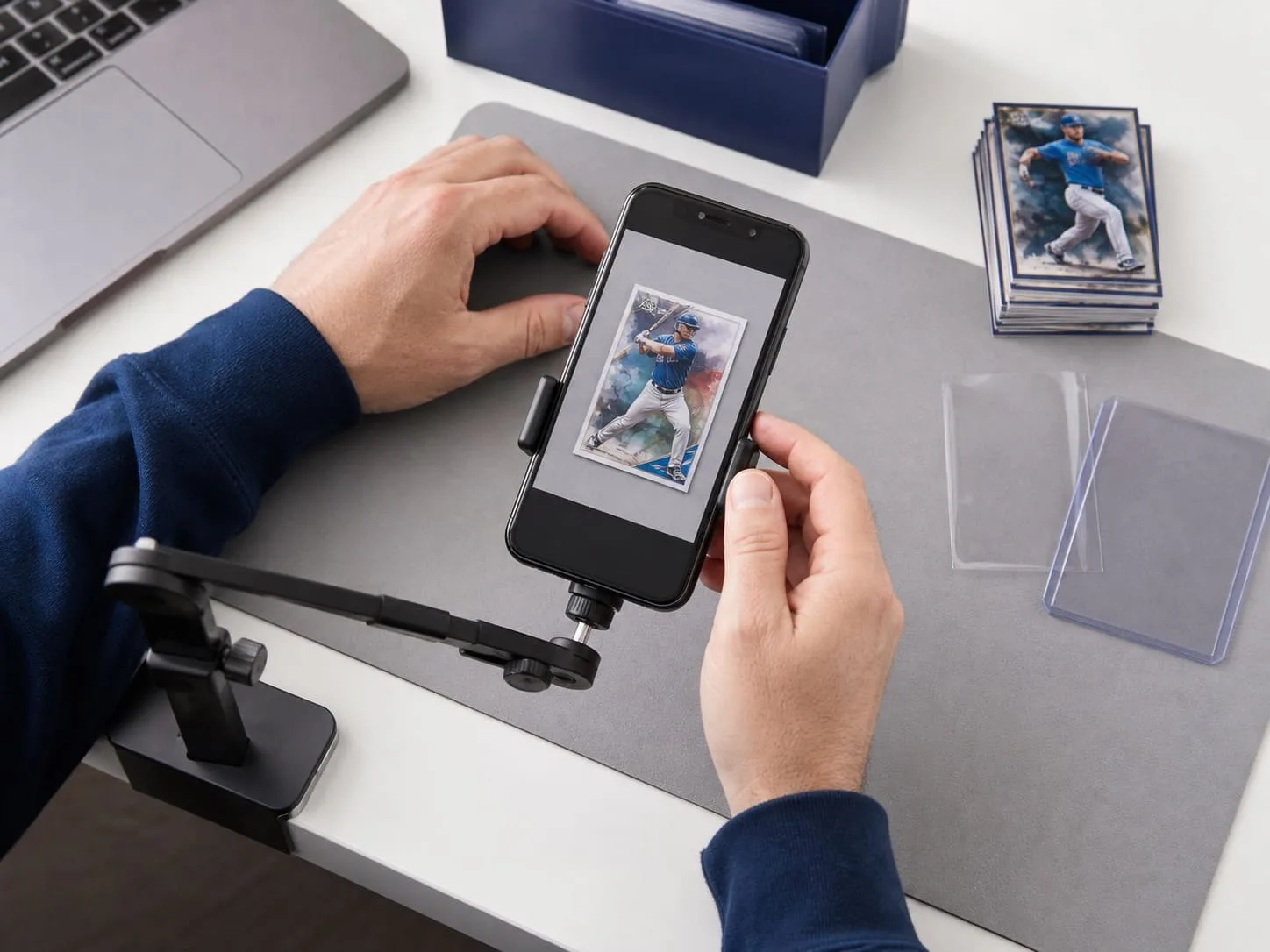
STEP 01
Photograph the exact card
Capture front and back clearly. Show borders, corners, surface, numbering and any visible marks a buyer should inspect.
eBay sports card listing tool
Turn clear card photos and seller-verified facts into an editable eBay listing, with the title, description, category and item specifics ready for your review.

Direct answer
Maxmerce is eBay sports card listing software that turns clear card photos and seller-provided facts into an editable eBay listing. It helps prepare listing copy and item specifics while keeping identity, condition, authenticity and price decisions with the seller. For a broader marketplace workflow, explore the eBay AI listing tool.
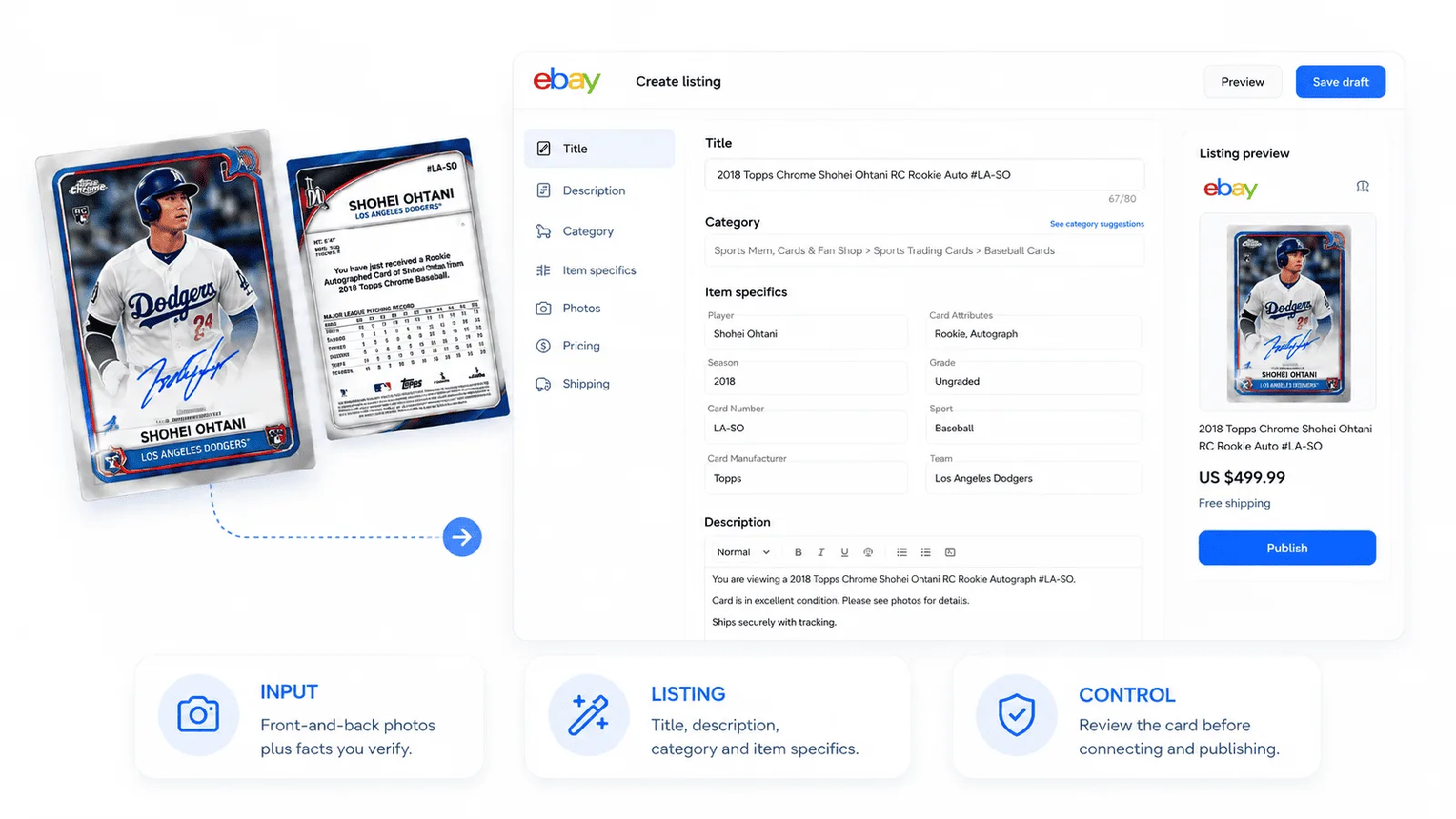
A card-first workflow
For sellers listing sports cards on eBay, separate photo capture, listing preparation and final verification so repetitive work moves faster without weakening card-specific accuracy.
Capture front and back clearly. Show borders, corners, surface, numbering and any visible marks a buyer should inspect.
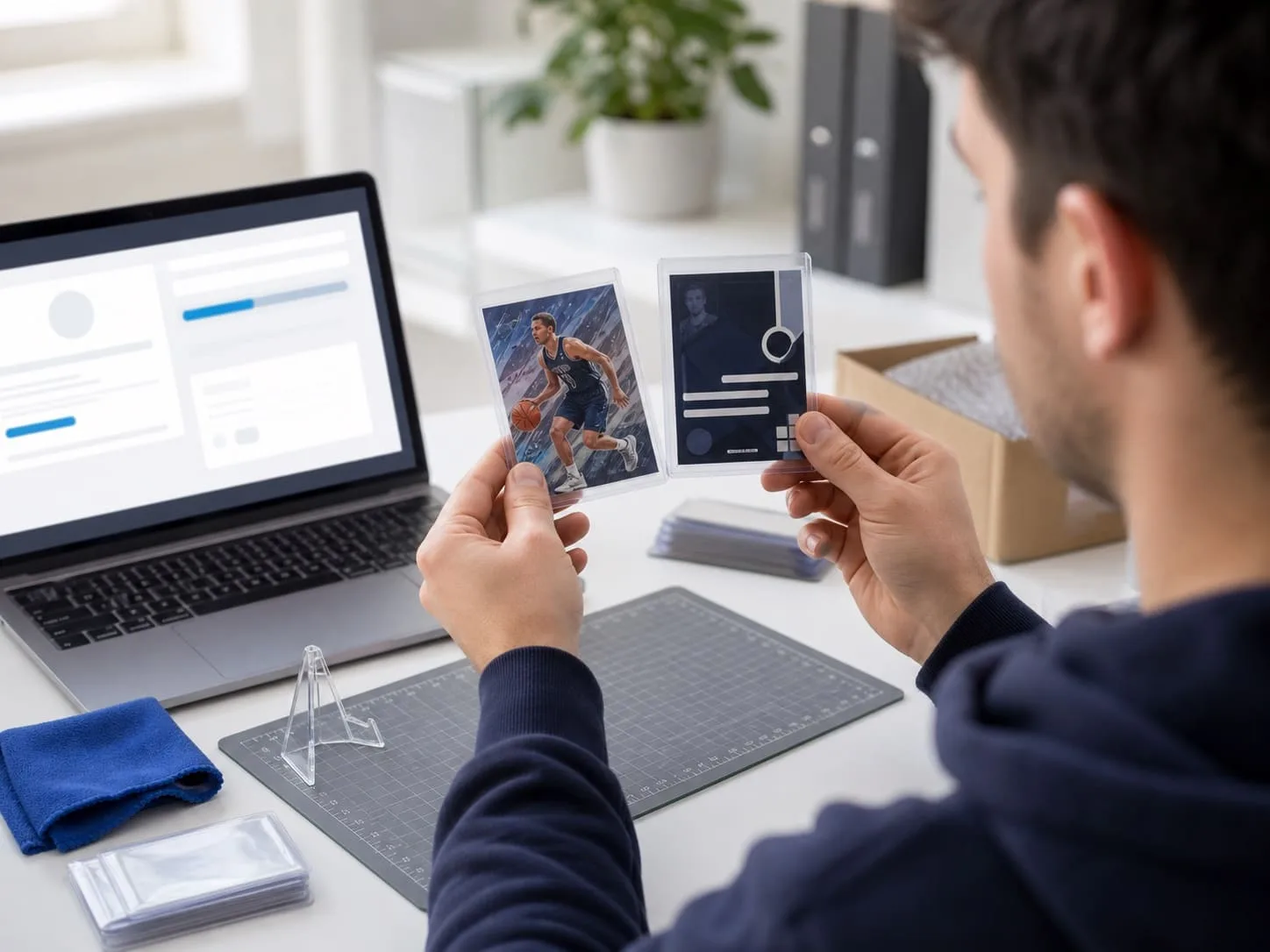
Use the photos and facts you provide to prepare an editable title, description, category and relevant item specifics.
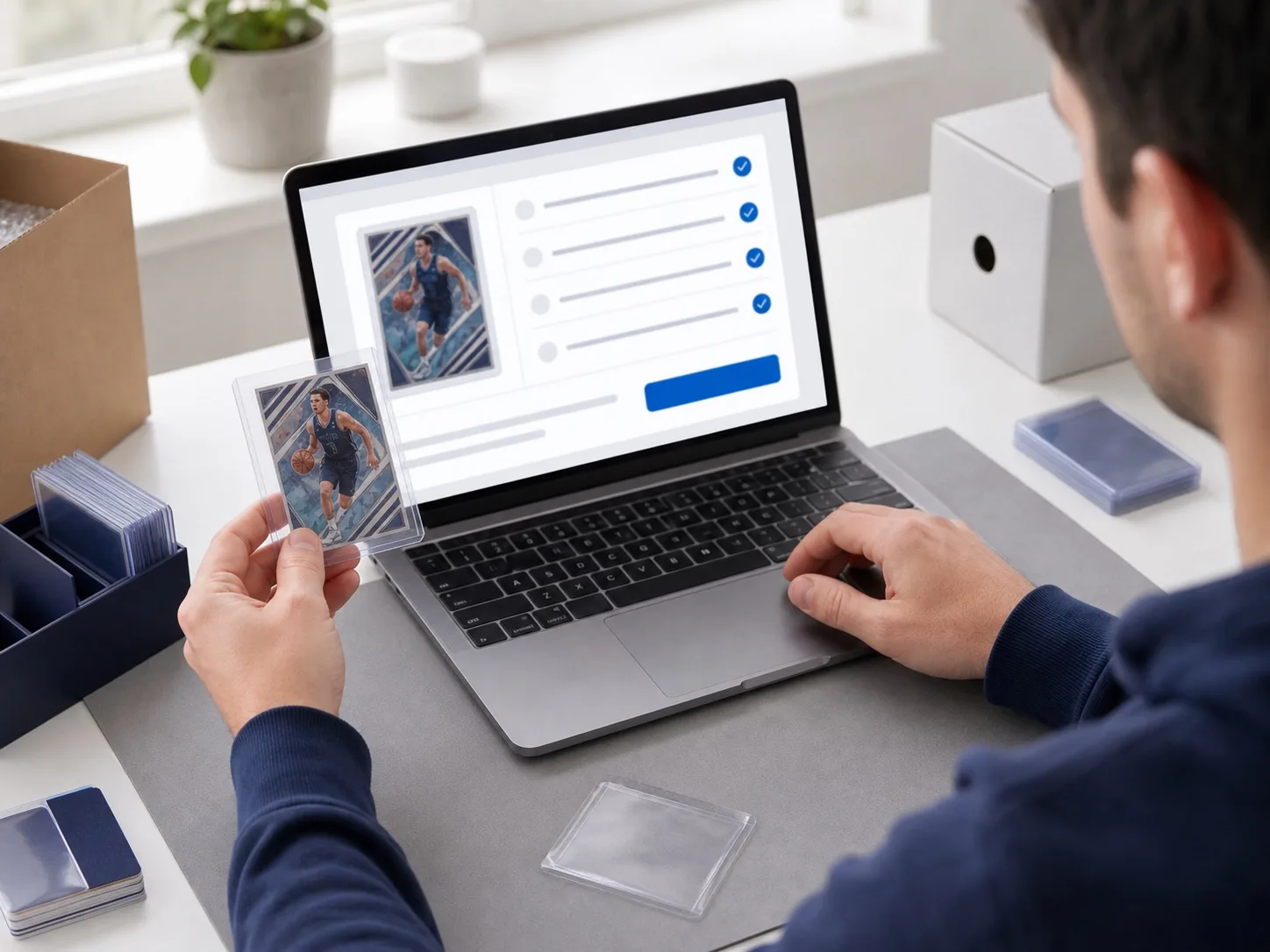
Confirm the athlete, year, set, card number, parallel, condition notes and every buyer-facing claim against the physical card.
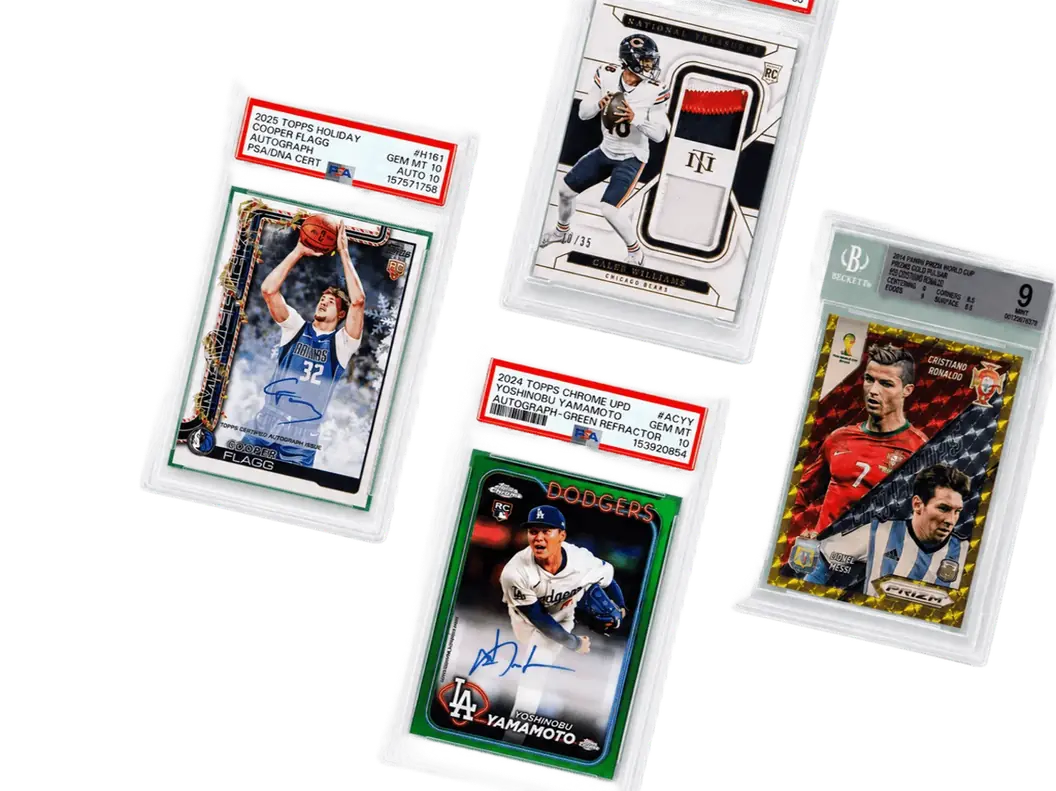
AI listings, seller controls
Maxmerce organizes repeatable listing work. You stay responsible for the card-specific judgment that buyers rely on.
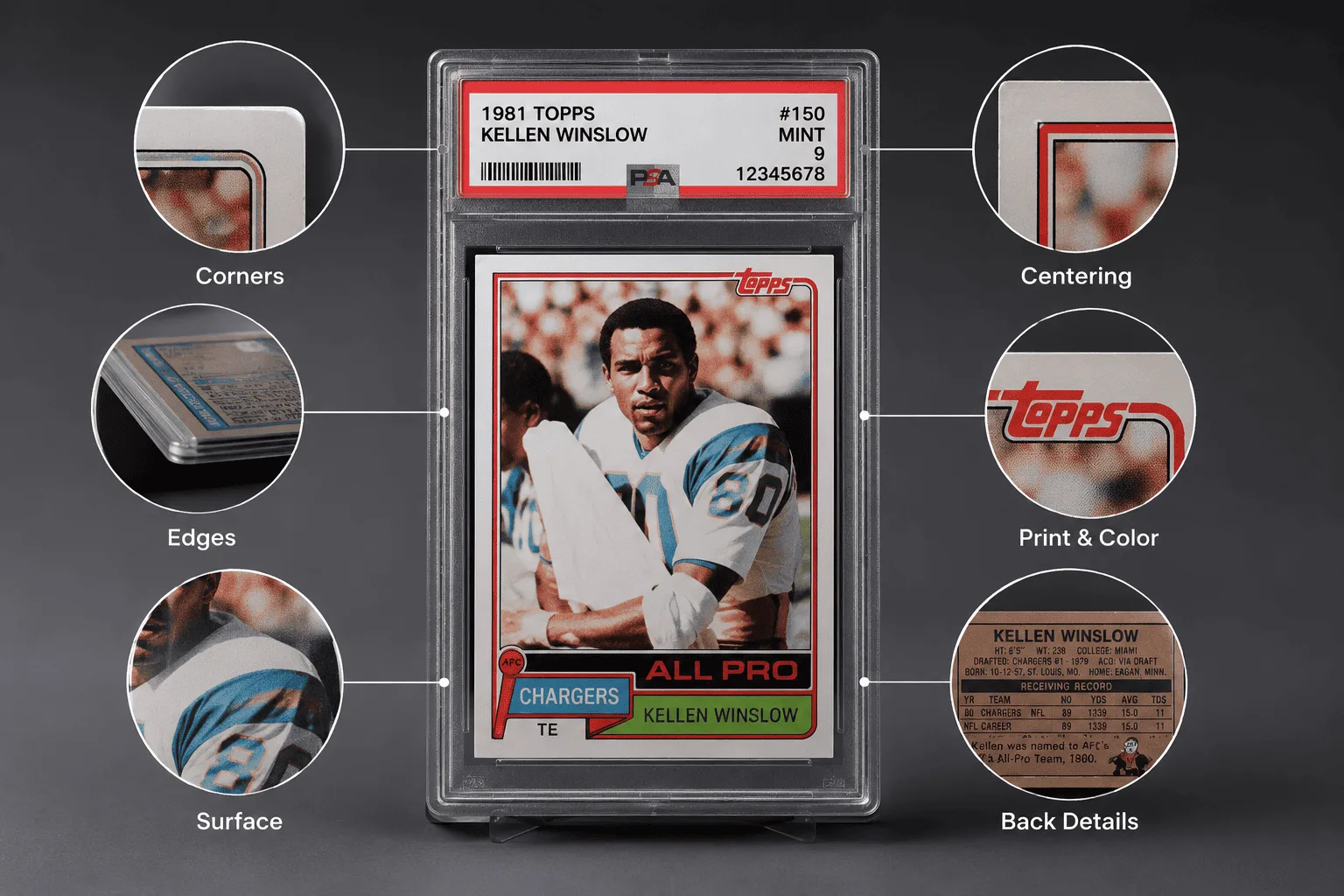
A strong eBay trading card listing tool should reduce typing without flattening the details collectors care about.
The fastest way to list cards on eBay is a repeatable workflow with a deliberate seller review, not a shortcut around the physical card.
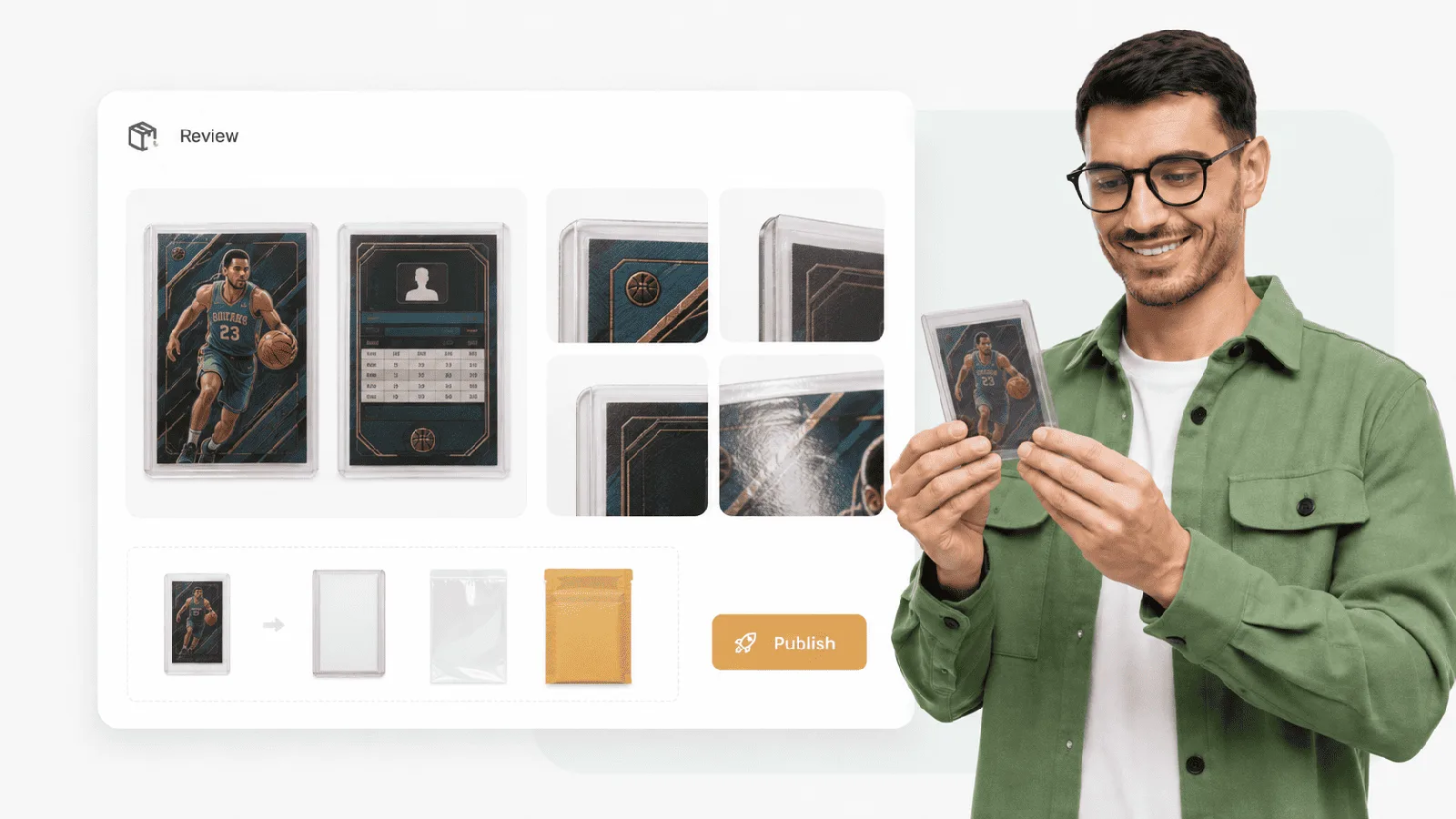
A practical seller workflow
For sellers selling sports cards on eBay, the best way to sell sports cards on eBay starts with an accurate listing for each card. Batch the repetitive steps, then review every listing; the seller remains the final authority.
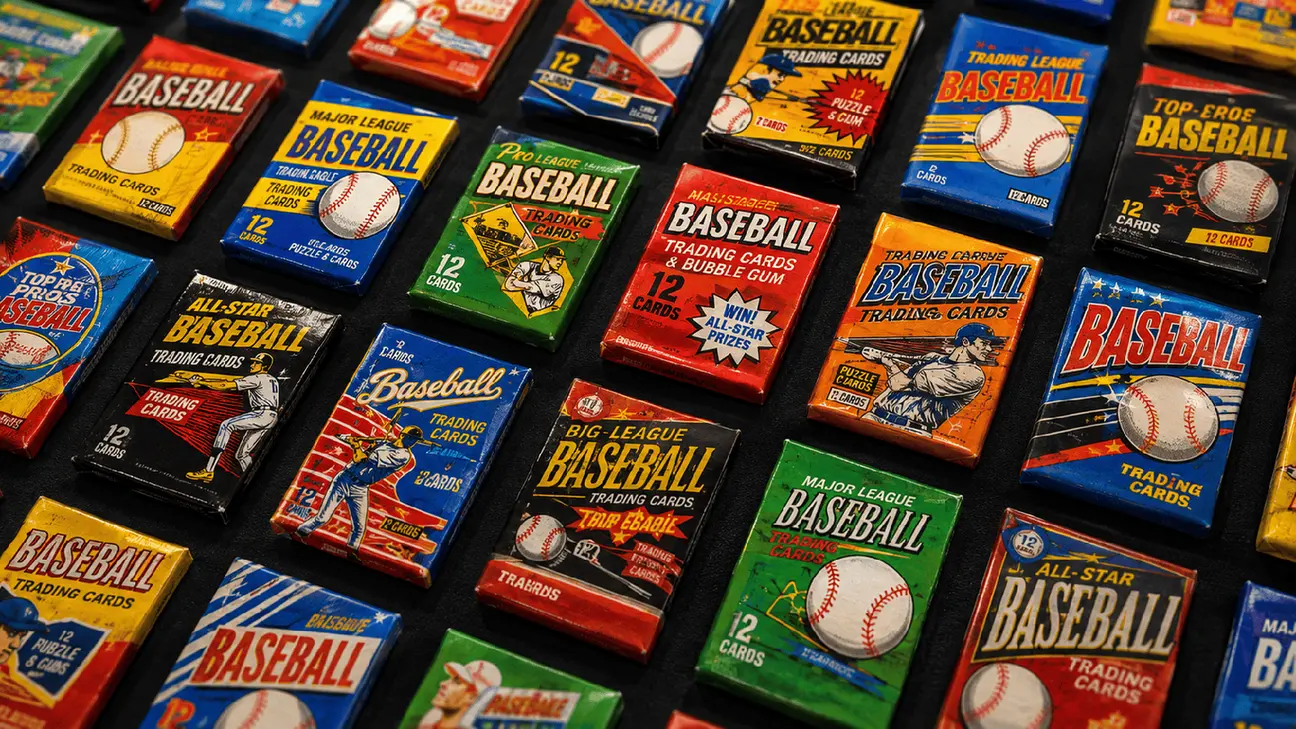
Use the same clean surface, lighting and front-and-back order. Keep the full card inside frame and add detail photos when a flaw or serial number matters.
Check the sport, athlete, year, set, card number, parallel, insert and whether the card is raw or professionally graded.
Read the title, description, item specifics and condition note together. Remove any claim the photos or physical card do not support.
Create the listing before authorization if preferred. Connect eBay only when you are ready to publish or manage the listing through Maxmerce.
If you are learning how to sell baseball cards on eBay or how to sell trading cards on eBay, the same rule applies: an eBay sports card scanner can assist a photo-driven listing workflow, but it cannot replace grading, authentication, sold-comparable research or seller judgment.
Common questions
Maxmerce is eBay sports card listing software that turns clear card photos and seller-provided facts into an editable eBay listing. It helps prepare titles, descriptions, categories, item specifics and condition notes for seller review.
Maxmerce uses sports card photos to help create an eBay listing. Sellers may describe that photo workflow as an eBay sports card scanner or eBay trading card scanner, but Maxmerce is not a price scanner, authentication service or grading tool.
Photograph the front and back, add facts you can verify, generate an editable listing, check the athlete, year, set, card number, parallel and condition, then connect eBay and publish when ready.
No. Maxmerce helps prepare listing copy and item specifics. It does not replace professional grading, authentication, sold-comparable research or the seller's pricing judgment.
Maxmerce helps sellers repeat the photo-to-listing workflow across a larger card inventory. Each card still needs a final seller review before publishing.
No. A seller can create and review a listing first, then connect an eBay account when ready to publish or manage the listing through Maxmerce.
Start with one real card
Create a review-ready listing, verify every card-specific detail and connect your store only when you are ready to publish.
Create Listings Free