eBay Item Condition Codes: Check the Category Before Upload
eBay item condition codes are not universal shortcuts for “new” or “used.” The numeric ID describes a condition in eBay’s reference table, but the conditions you may use depend on the marketplace and the leaf category of the item. Before putting a code into a listing template or integration, check that category’s current condition policy and confirm the item actually meets the definition. eBay’s US condition-ID reference is a starting point, not a list of values accepted everywhere.
What the number tells you—and what it does not

In eBay’s US reference, 1000 identifies a new item, 1500 is used for labels such as “new other” or “open box,” and 3000 can appear as “used” or “pre-owned – good.” Apparel also has entries such as 2990 for “pre-owned – excellent” and 3010 for “pre-owned – fair.” 7000 describes “for parts or not working” where that choice is supported. These are examples of reference meanings, not approval for your particular category. The displayed wording and supported subset can change by category; refurbished options can additionally have eligibility limits.
First choose the correct eBay category for the actual product. Then use eBay’s category condition policy or the current category-specific Seller Hub template to find the available condition choices. Do not move a camera strap into a camera category just because that category accepts a code you want to use.
A four-gate preflight before you upload

- Marketplace and leaf category. Record the marketplace (for this guide, eBay US) and the exact leaf category. A broad department name is not enough for a dependable code check.
- Physical evidence. Inspect the exact unit or a reliable seller-owned inspection record. Note what works, visible wear, missing accessories, packaging and anything untested. A listing description cannot turn an untested item into a verified “fully operational” one.
- Supported value and field format. Check the leaf category’s supported condition IDs. A Trading API
Item.ConditionIDis numeric; eBay’s Inventory API uses a text-basedConditionEnum. Do not paste3000into an enum field orUSED_EXCELLENTinto a numeric ID field just because an online chart puts them on the same row. - Submission review. In Seller Hub Reports, start from a fresh category-specific template and follow its accepted values. In an API flow, use the current condition policy for the target marketplace/category. Validate a small representative batch before a large upload; read any errors against the actual category and SKU instead of applying one global replacement.
eBay’s Trading API condition guide says an invalid ID—or a missing one where required—can fail the listing request. This is a platform rule. The small-batch check is an editorial risk-control practice, not an eBay guarantee that the rest of a file will pass.
Use a code worksheet, not a memorized list
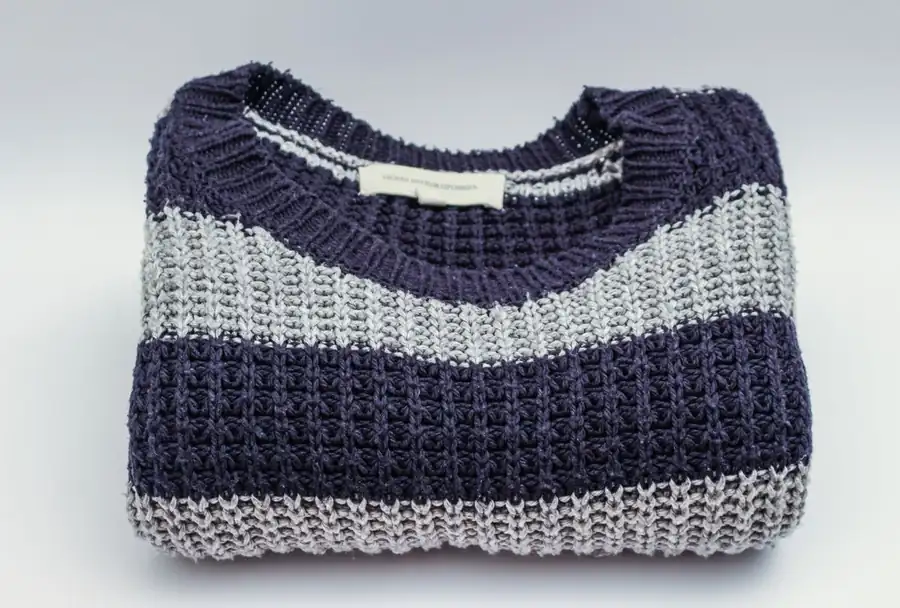
The following rows are illustrative candidates, not confirmed codes for a particular leaf category. They show which fact to verify before the field is filled. Keep one row per SKU; never assume two items in different categories accept the same code because both are “used.”
| SKU scenario | Candidate from reference | Before entering it |
|---|---|---|
| Tested, used camera | 3000 (used) |
Confirm the exact Cameras & Photo leaf category accepts it; keep test results and defects in the condition note. |
| Previously worn shirt with minimal wear | 2990 (pre-owned – excellent) |
Check the specific apparel leaf category and the actual garment; do not use “excellent” when photographed flaws contradict it. |
| Camera with a verified functional fault | 7000 (for parts or not working) |
Check category support, name the failed function, and show the exact item. Do not rely on a vague “as-is” sentence. |
For the camera, keep a seller-owned test record and describe any fault or missing accessory. For apparel, inspect the actual garment and photograph visible wear. The worksheet addresses whether the chosen code is permitted in the leaf category; it does not replace evidence about the item.
When a condition code is rejected
- “Not valid for category.” Recheck the marketplace and leaf category, then the supported choices. Fix an incorrect category only if it misidentifies the product. Otherwise choose the truthful supported condition, not the most attractive label.
- “Condition required.” Confirm the field is present in the right column or API property and that the current template accepts its format. A sentence in the general description is not the same as the structured condition field.
- Numeric ID versus enum mismatch. Check which eBay interface you are actually using. The US reference connects numbers and Inventory API enum labels for interpretation; it does not make their input formats interchangeable.
- The item does not fit any attractive label. Return to the physical evidence and category policy. An unverified repair, incomplete test or missing component belongs in the condition explanation; do not silently upgrade the structured choice.
Frequently asked questions
Does condition ID 3000 always mean “Used”?
No. eBay’s US reference associates 3000 with labels including “Used” and, in numerous apparel categories, “Pre-owned – Good.” The category controls the displayed meaning and whether the value is available. Check the current leaf-category policy before you submit it.
Can I use a different eBay category if my preferred code is rejected?
Only if the original category was genuinely wrong for the item. Choose the category that accurately describes the product, then select a truthful condition from that category’s allowed options. A category change made solely to get a code accepted can misdescribe the item and show buyers the wrong fields.
Can a condition note replace the code?
Not where the category requires a structured condition. A clear note is useful for wear, faults and untested functions, but it does not replace a required ConditionID. Some categories do not support the same structured condition choices; follow their current policy and use the available description field as eBay instructs.
If your team prepares eBay listings in Maxmerce, its eBay AI Listing Tool can help create an editable draft from product details and images. Review the actual item, category and supported condition in eBay before publishing; do not treat an AI draft or a copied code as approval from eBay. For bulk work, see Maxmerce’s eBay listing tools and keep the per-SKU checks above with your upload file.
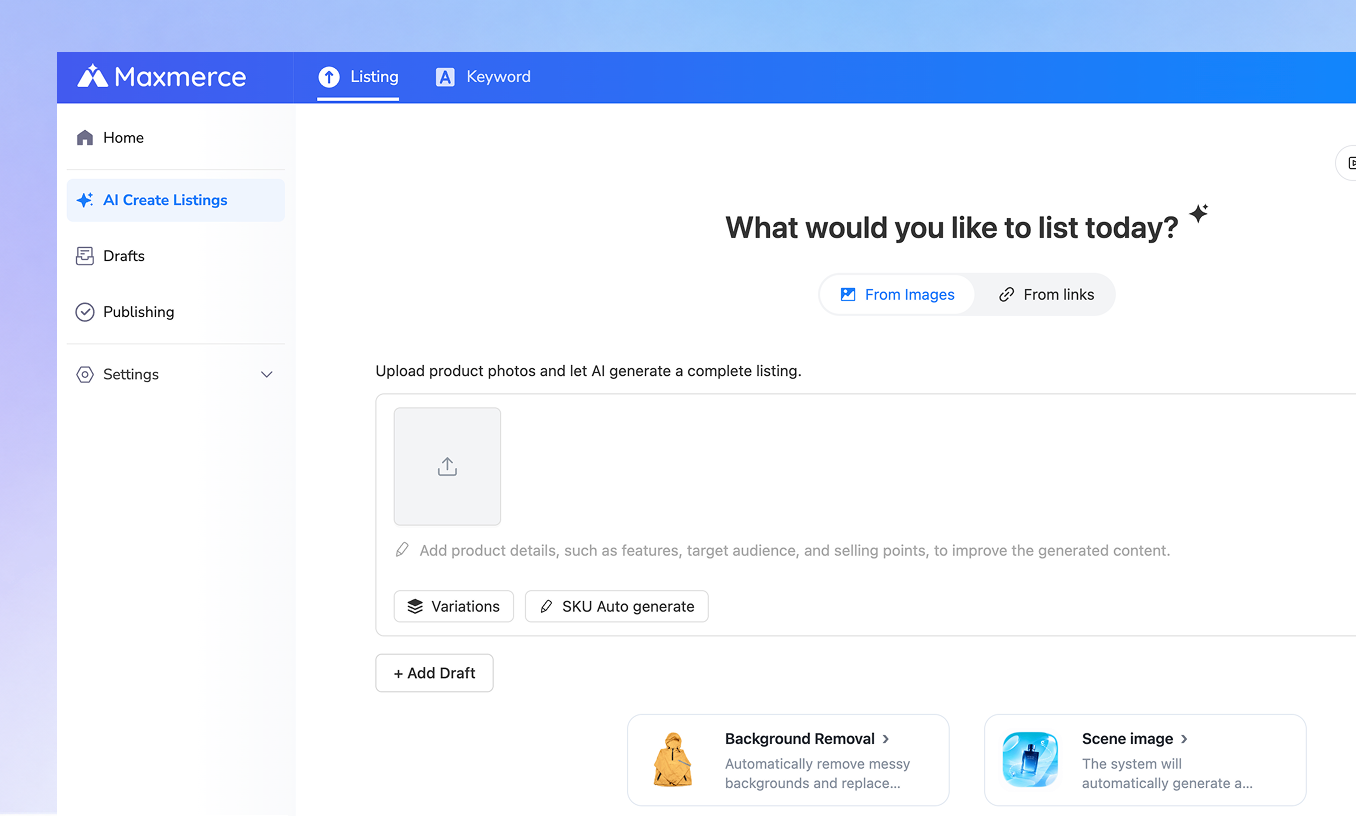
Before the next upload: keep the category, allowed condition choice, actual-item evidence and field format together on one SKU row. That small record is more reliable than a universal code cheat sheet.