eBay Profit Calculator: Model Fees & Target Price
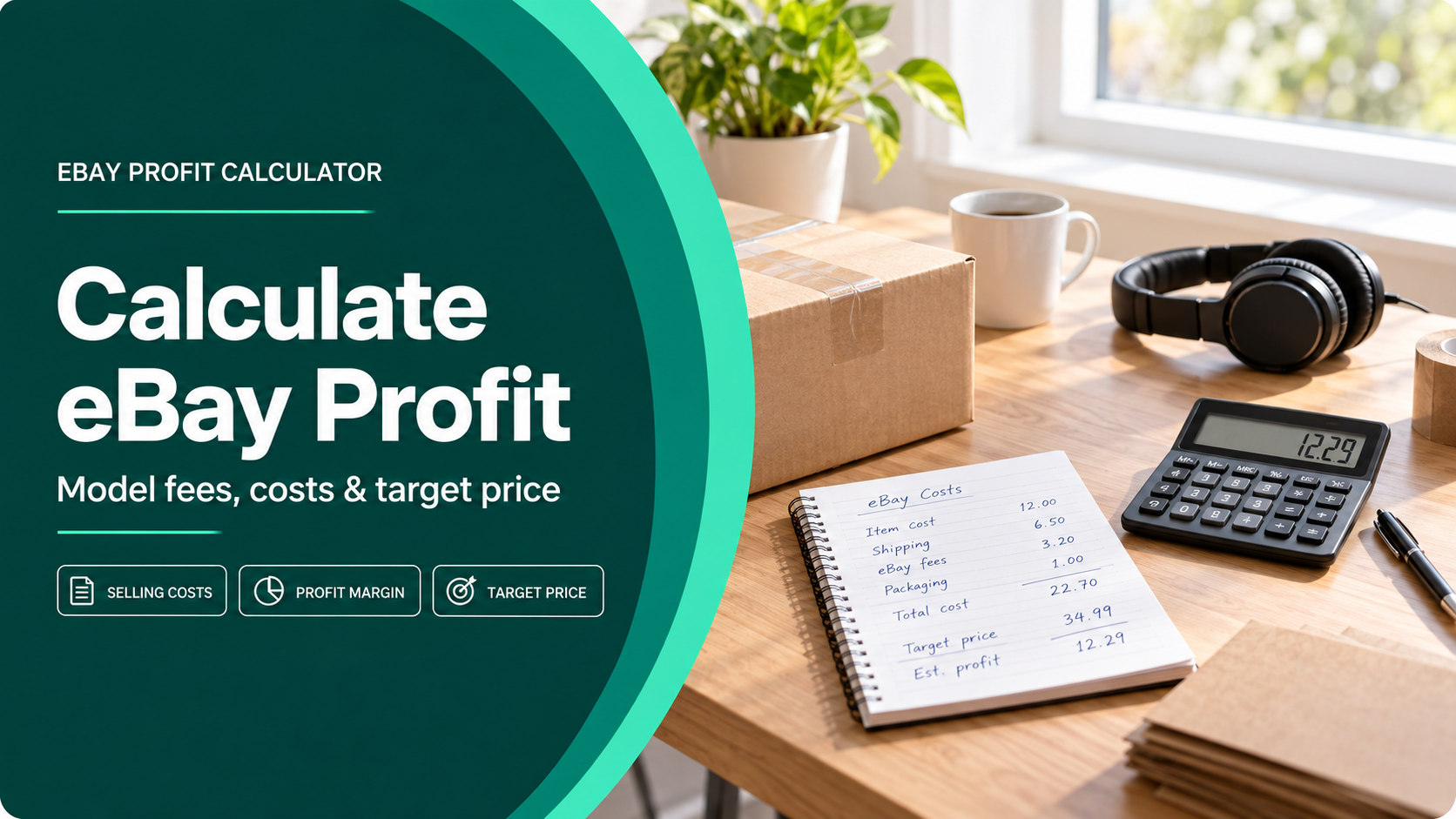
An eBay profit calculator should answer two different questions: what you may earn at a proposed price, and what price you need for a target margin. Enter the offer and cost assumptions you can verify, then compare a Store and no-Store scenario without mixing monthly subscription economics into a single-order estimate.
The Maxmerce eBay calculator models selling price, product cost, shipping, category, Store status, advertising and optional listing costs. Its result is an estimate—not your final eBay statement—so keep the assumptions beside the result and reconcile actual orders later.
Start with the costs attached to this order

| Input | What to enter | Common mistake |
|---|---|---|
| Selling price | The item price in the offer you plan to publish. | Using a hoped-for price while comparing it with costs from another scenario. |
| Product cost | Unit acquisition or manufacturing cost, allocated to one sellable unit. | Leaving inbound freight or preparation in an untracked spreadsheet. |
| Shipping and packaging | Your expected label, packaging and handling cost. | Treating buyer-paid shipping as if delivery costs disappear. |
| Category and Store status | The actual eBay category and the Store plan that will apply. | Using a generic percentage even though category and Store status can change fees. |
| Optional costs | Promoted listing rate, second category, subtitle, reserve or other selected upgrades. | Entering upgrades you do not plan to use—or forgetting the ones already selected. |
eBay’s current selling-fee guide says its main selling costs include insertion fees and a final value fee when an item sells. The exact amount depends on the category, price, listing setup, Store status and seller performance. The final value fee is based on the total amount of the sale plus a per-order fee, so verify the current official fee page for your market and account before treating an estimate as a pricing decision. After a sale, use eBay’s fees, credits and invoices overview to locate the account records used for reconciliation.
Compare Store and no-Store scenarios correctly

A Store can change per-order fee rates and included listings, but the subscription itself is a period cost. Run the same SKU twice: once with no Store and once with the Store plan you are considering. Keep price, item cost, shipping, category and ad rate unchanged so the comparison isolates the Store setting.
- Save the estimated profit per order in each scenario.
- Calculate the per-order difference.
- Estimate a conservative monthly order count for the relevant category mix.
- Compare the monthly order-level savings with the Store subscription and other benefits you will actually use.
This is a planning test, not a universal break-even rule. A seller with many categories, seasonal volume or unused listing allowances needs a broader monthly model. For that decision, use the worksheet in eBay Store Costs: Plans, Fees & Break-Even Worksheet.
Work backward from a target margin

The target-price mode starts with the margin you want and solves for an estimated selling price under the current assumptions. Use it as a feasibility check:
- If the target price is close to comparable sold offers, inspect condition, shipping and included parts before deciding.
- If it is far above the market, do not hide the gap by deleting real costs. Revisit sourcing, packaging, ad spend or the offer itself.
- If it is unexpectedly low, check that the category, Store plan, shipping and optional fees are not missing.
Pricing also depends on offer format. If demand is uncertain or the item is unusual, compare the assumptions with the decision framework in eBay Buy It Now vs Auction.
Use a three-scenario decision record
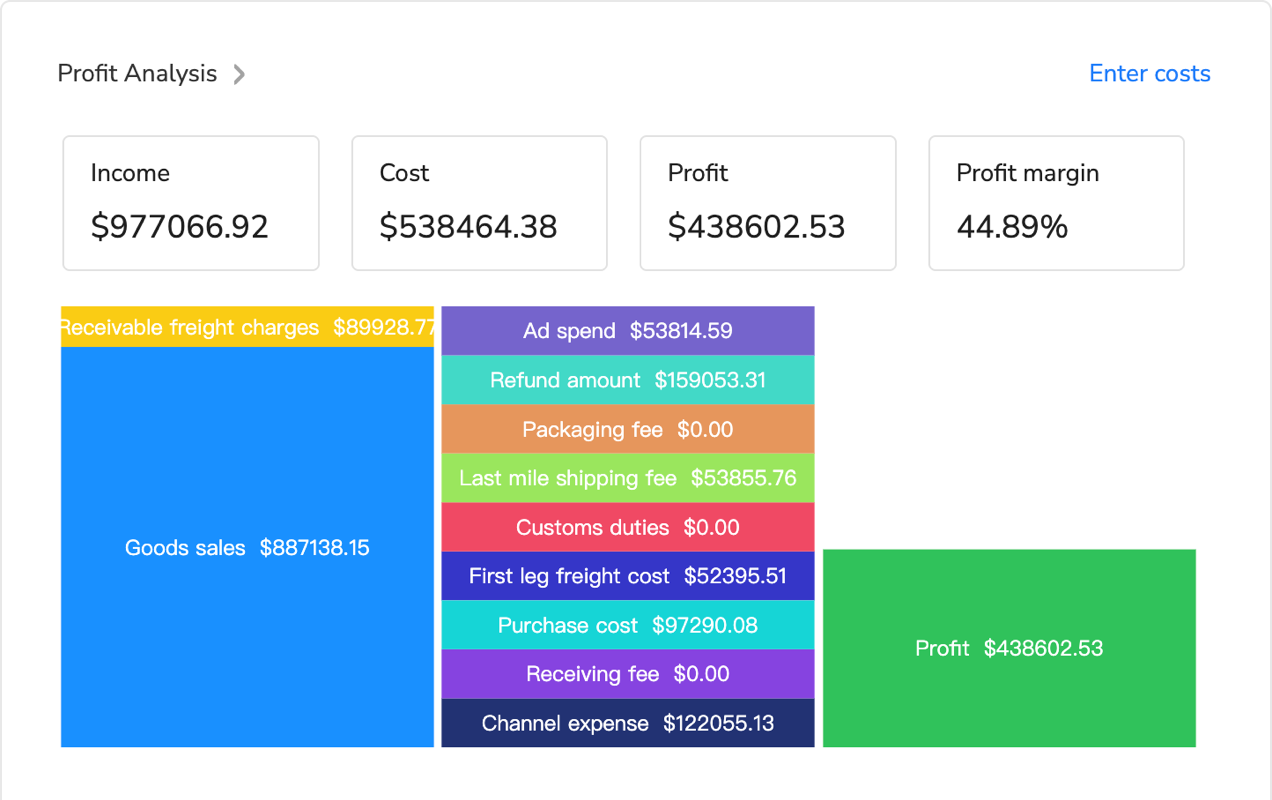
| Scenario | Change only | Decision it supports |
|---|---|---|
| Base offer | Current planned price and verified costs | Is the offer viable before optional promotion? |
| Promoted offer | Advertising rate | How much margin is available for promotion? |
| Target margin | Desired margin | What selling price would the current cost structure require? |
Estimate in Maxmerce, then reconcile actuals

Maxmerce places the eBay-specific inputs in one calculation and lets you switch between estimated profit and target price. That reduces repeated spreadsheet setup, while you remain responsible for category, Store status, costs and the final pricing decision.
Frequently asked questions
Does the calculator show my final eBay payout?
No. It is a scenario estimate based on your inputs. Reconcile completed orders against the fee details and financial statement in Seller Hub.
Should I include sales tax in product cost?
Keep tax treatment separate and follow your accounting policy. eBay’s fee base can include sales tax in the total amount of the sale, while your own tax obligations depend on jurisdiction and business circumstances.
Can I compare two categories?
Yes. Duplicate the scenario and change only the category. The correct category still depends on the actual item; do not choose a category only because an estimate is cheaper.
When should I rerun the calculation?
Rerun it when price, category, shipping, Store status, ad rate, seller performance or selected listing upgrades change—and verify current official fees before a material pricing decision.