How to List Used Clothing on eBay With an AI Tool
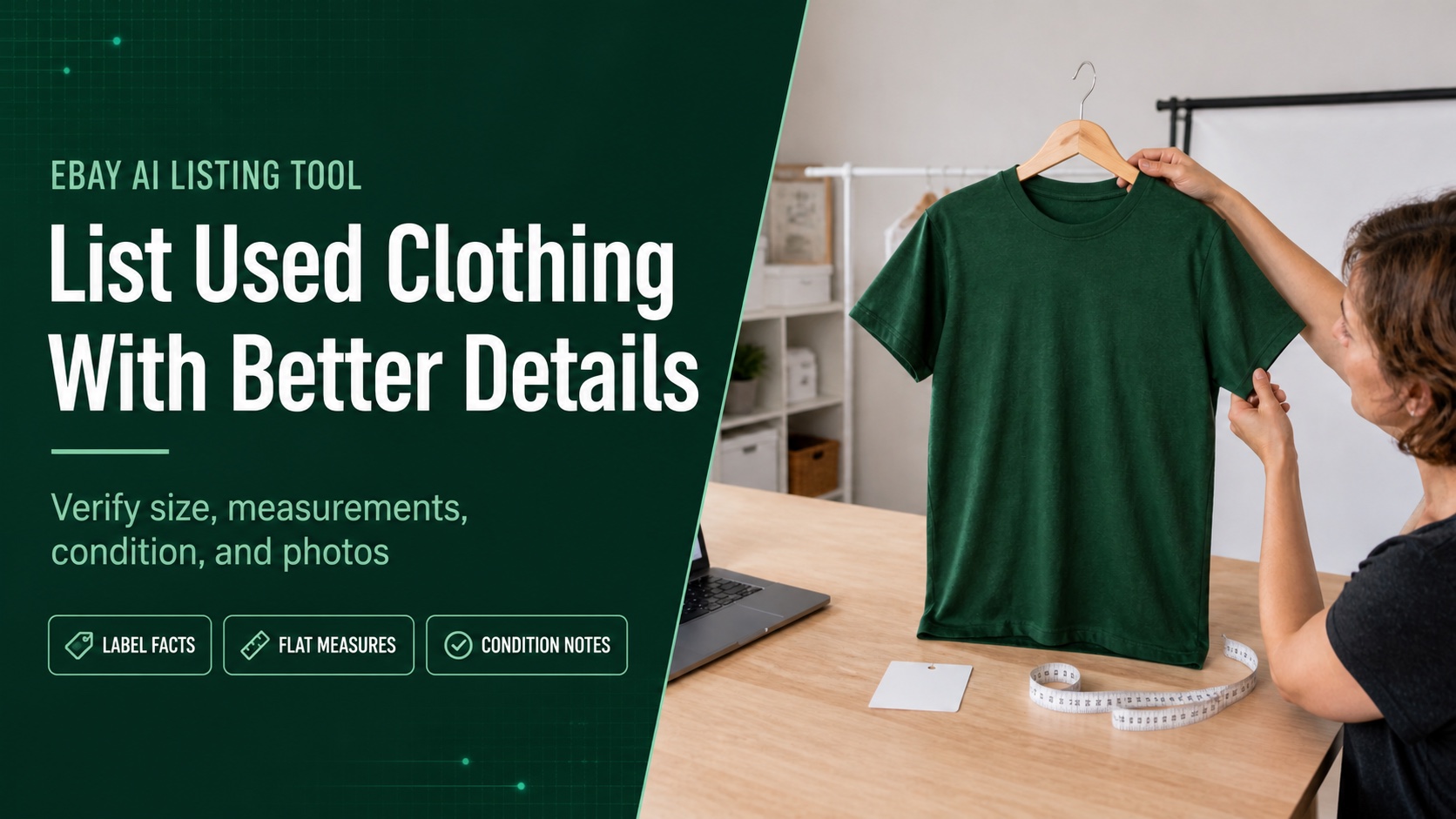
Published August 5, 2026 · Maxmerce
Quick answer: To list used clothing on eBay with an AI tool, photograph the actual garment, record the tag size, take repeatable flat measurements, inspect high-wear areas, and choose the condition that matches visible wear. Then use those verified details to generate a reviewable draft. AI can organize the listing, but it cannot measure the shirt or decide whether a stain is significant for you.
A used T-shirt looks simple until you try to describe it for a buyer who cannot touch it. The neck tag says Medium, but the shirt may have shrunk. The color looks forest green in person and nearly black under poor lighting. A faint mark near the hem may disappear in the main photo. “Good condition” does not answer any of those questions.
For thrift clothing resellers, the fastest reliable workflow is not “take one photo and let AI figure it out.” It is Tag, Measure, Inspect, Photograph, Draft, Verify. Once those six steps become routine, an AI listing tool can reduce writing work without turning uncertain details into confident claims.
Why Size and Condition Need Attention Now
eBay’s current Creating a Listing guidance says that from August 2026, apparel and footwear listings with unclear or missing size or condition details may be hidden until updated. For clothing resellers, size and condition are no longer fields to leave for later.
That does not mean stuffing a size into the title solves the problem. A complete listing connects five pieces of evidence:
Step 1: Read the Garment Before Writing the Title
Start with the physical shirt. Photograph the neck label and the care or material tag before either becomes separated or unreadable. Record only what the garment supports.
- Brand: Copy the exact brand only when the label is present and credible.
- Tag size: Record the printed size exactly, including region or size type when shown.
- Material: Use the fiber percentages on the tag. Do not call a blend “100% cotton.”
- Color: Describe the color under neutral light and note visible fading or variation.
- Department and style: Base these fields on the garment’s construction and label, not on a guess about who might wear it.
If the brand tag is missing, do not invent one from the design. If the care tag is faded, leave uncertain fiber content unclaimed. A blank or cautious field is better than a polished detail the buyer can disprove as soon as the shirt arrives.
Step 2: Measure the T-Shirt Flat
Clothing sizes are not standardized. A vintage Medium, a modern slim-fit Medium, and a shirt that has been washed at high heat can measure differently. eBay’s Selling Clothes guide recommends including measurements and brand sizing information, and notes that inches plus centimeters can help international buyers.
For a T-shirt, build a repeatable measurement card:
| Measurement | Method | Example entry |
|---|---|---|
| Chest width | Lay flat and measure straight across from armpit seam to armpit seam. | 20 in / 50.8 cm |
| Body length | Measure from the high shoulder area beside the collar to the bottom hem. | 27 in / 68.6 cm |
| Shoulder width | Measure straight across the back between shoulder seams. | 18 in / 45.7 cm |
| Sleeve length | Measure from the shoulder seam to the sleeve edge. | 8 in / 20.3 cm |
The numbers above are an illustration, not a size conversion. Keep the tag size in the size field when it is readable, then add actual measurements to the description. Do not change a tagged Medium to Large because the chest seems generous. Give the buyer both pieces of information.
Measurement note: “Measurements were taken with the shirt laid flat and unstretched. Please compare them with a shirt that fits you well.” This explains the method without promising an exact fit.
Step 3: Grade Condition From the Whole Garment
eBay’s Item Condition by Category guide currently divides pre-owned clothing into three levels:
- Pre-owned – Excellent: previously worn and in excellent condition; signs of wear still need to be shown and described.
- Pre-owned – Good: gently used and in good condition, potentially with a few signs of wear; all imperfections should be shown and described.
- Pre-owned – Fair: significantly visible imperfections and wear; all imperfections should be shown and described.
Do not grade from the front panel alone. Inspect the collar, underarms, sleeve edges, side seams, print or embroidery, lower front, back, and hem. Turn the shirt inside out to check repairs, loose stitching, and residue that may not show from the outside.
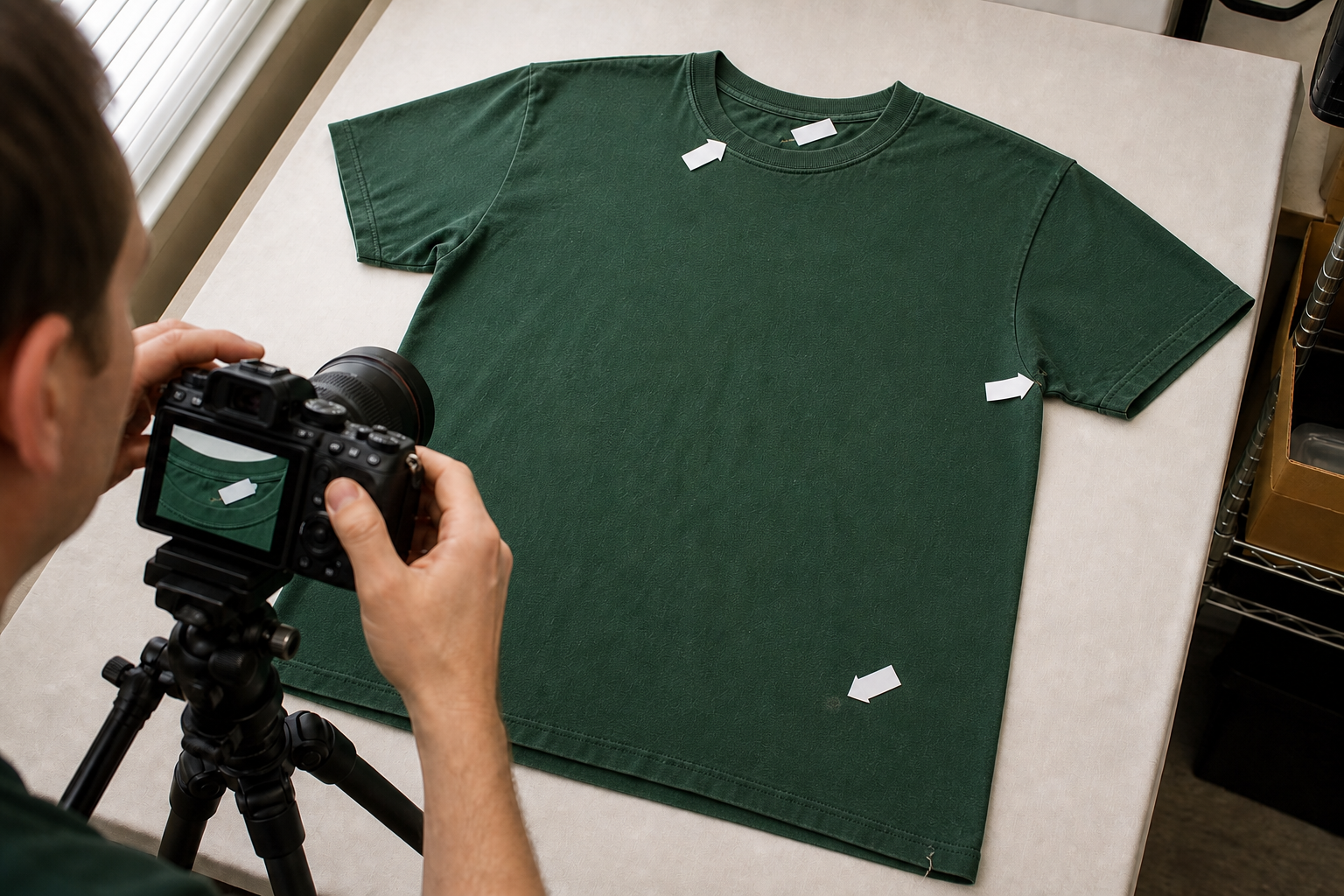
| Inspection area | What to look for | Useful listing language |
|---|---|---|
| Collar | Stretch, waviness, fading, staining | “Light fading along the collar edge.” |
| Underarms | Discoloration, odor, seam stress, residue | Describe the visible condition; never claim odor-free without checking. |
| Body | Faint marks, fading, pilling, print cracking | Give the location and approximate size of each visible flaw. |
| Seams and hem | Loose thread, repair, twist, separation | “Small repaired opening at left side seam.” |
| Tags | Cut tag, fading, handwritten marks | State when the size or material tag is missing or unreadable. |
Step 4: Build a Complete Clothing Photo Set
For a pre-owned shirt, photograph the actual item. eBay’s photo guidance says used items cannot rely on a catalog or stock photo. It also recommends a clear main photo of the whole product, multiple angles, and close-ups of imperfections.
- Front of the complete shirt
- Back of the complete shirt
- Neck tag and size
- Care and material tag
- Collar, sleeves, seams, and hem
- Chest and length measurements
- Each stain, repair, loose thread, fade area, or damaged print
Keep color as consistent as possible. A solid background and diffused light help, but editing should not hide fading or change the garment’s actual shade. If you clean a distracting background, check that the T-shirt edge, sleeve shape, and color remain accurate.
Step 5: Turn Verified Details Into an AI Draft
The Maxmerce eBay AI Listing Tool can use product photos and details to generate a reviewable title, description, category, item specifics, attributes, and condition notes. Give it evidence rather than vague prompts.
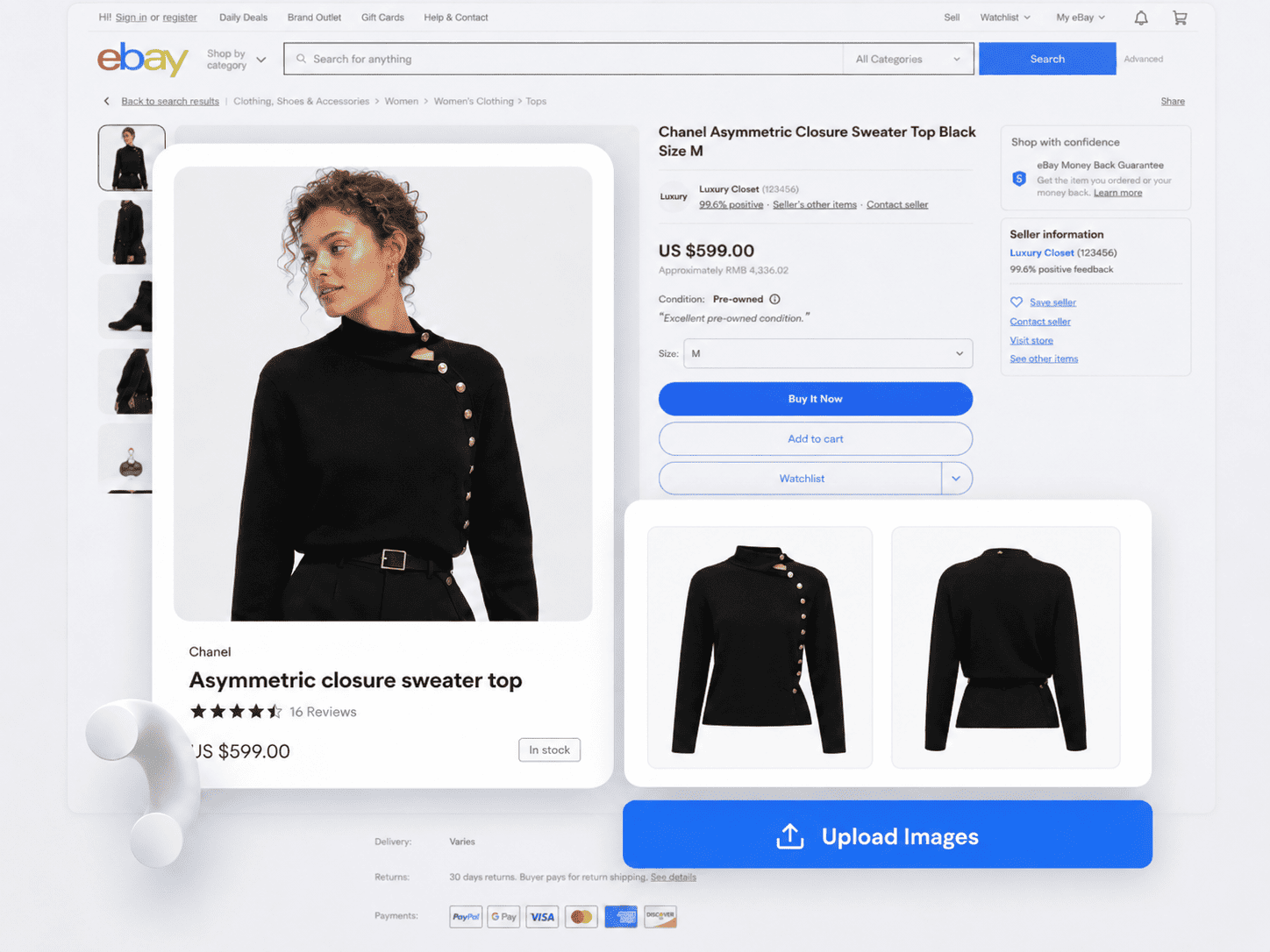
A useful input for the green T-shirt might be:
Pre-owned solid forest-green short-sleeve crew-neck T-shirt. Tag size Medium. Material tag states 100% cotton. Chest 20 inches flat; body length 27 inches; shoulder 18 inches; sleeve 8 inches. Light collar fading, mild underarm pilling, one faint mark near the lower front, and a short loose thread at the hem, shown in photos. No other accessories included.
Pre-owned solid forest-green short-sleeve crew-neck T-shirt. Tag size Medium. Material tag states 100% cotton. Chest 20 inches flat; body length 27 inches; shoulder 18 inches; sleeve 8 inches. Light collar fading, mild underarm pilling, one faint mark near the lower front, and a short loose thread at the hem, shown in photos. No other accessories included.
That evidence can support a factual title such as Men’s Green Cotton Crew Neck T-Shirt Size M Short Sleeve Pre-Owned. Before using it, confirm the department, material, size, sleeve length, color, and condition all match the actual shirt and the relevant category fields.
Step 6: Review Item Specifics Like a Buyer Filter
eBay’s Item Specifics guide explains that buyers use fields such as brand, size, type, color, and style to filter results. A missing or wrong field can place the shirt outside the buyer’s filtered search even when the description is detailed.
| Field | Evidence source | Common reseller error |
|---|---|---|
| Brand | Readable garment label | Guessing from a graphic or tag style |
| Size | Printed tag plus measurement note | Replacing tag size with a personal fit opinion |
| Material | Fiber-content tag | Calling a blend pure cotton |
| Color | Garment under neutral light | Ignoring wash fade or photo color shift |
| Department | Label and garment construction | Assigning a department only to reach more searches |
| Condition | Full inspection and flaw photos | Choosing Excellent while hiding visible damage |
Step 7: Run the Final Draft Check
Before publishing, compare the draft with the shirt on the table. Maxmerce can scan listings for prohibited terms, sensitive language, and potential compliance issues. Treat that as an additional wording check, not proof that the brand is authentic or every garment detail is correct.

Use this final sequence:
- Match the title to the garment and tag.
- Confirm required size and condition fields are complete.
- Compare item specifics with both labels.
- Recheck every measurement and unit.
- Read the condition note while viewing each flaw.
- Confirm the photo order includes front, back, tags, measurements, and damage.
- Remove unsupported brand, vintage, rarity, authenticity, fit, or condition claims.

Frequently Asked Questions
Can I use AI to create eBay listings for used clothing?
Yes. AI can organize verified photos and garment details into an editable draft. The seller still measures the item, inspects flaws, verifies labels, and checks every listing field.
What measurements should I include for a used T-shirt?
Chest width measured flat from armpit to armpit and body length from the shoulder area to the hem are useful starting points. Sleeve and shoulder measurements can add clarity. Explain how the shirt was laid and measured.
Which condition should I choose for pre-owned clothing?
Choose the available eBay condition that matches the actual wear: Pre-owned – Excellent, Pre-owned – Good, or Pre-owned – Fair. Show and describe all imperfections, and check the current category definition before publishing.
Should I use the tag size or the measured size?
Use the printed tag size in the appropriate field when it is readable, then provide actual flat measurements in the description. Do not silently replace the tag size with an estimated modern equivalent.
What photos should a used T-shirt listing include?
Photograph the actual front and back, neck tag, care and material tag, collar, sleeves, seams, hem, measurements, and every stain, repair, loose thread, or area of wear.
Create the Draft After the Garment Facts Are Ready
Maxmerce is designed to help clothing resellers turn product photos and verified details into reviewable eBay listing content. Measure and inspect the garment first; use AI to reduce writing work without giving up the final seller check.
Explore the Maxmerce eBay AI Listing Tool or review the broader eBay listing tools.
Sources reviewed: eBay Creating a Listing, Selling Clothes, Item Specifics, Item Condition by Category, Adding Pictures to Your Listings, and the current Maxmerce eBay AI Listing Tool page. Platform requirements can change; verify the current category fields before publishing.