eBay Price Suggestion Tool: Review AI Recommendations

An eBay price suggestion tool can give you a useful starting point, but it should not make the final decision for you. Before publishing, compare the suggestion with relevant sold items, adjust for the exact unit’s condition and completeness, estimate shipping and selling costs, and decide the lowest proceeds you are willing to accept.
That review matters most for used and one-of-a-kind inventory. Two vintage lamps can share a shape and color while differing in maker, wiring, shade condition, size, damage, or shipping risk. A price that fits one may be wrong for the other.
Quick answer: Use this order: confirm the item identity, find close sold comparables, normalize for condition and shipping, calculate a minimum acceptable price, then choose a list price and offer floor. An AI recommendation saves research time only when the seller still checks the assumptions behind it.
What an eBay Price Suggestion Tool Can—and Cannot—Tell You
A price suggestion is decision support. It can point you toward a plausible price or range based on the product details available to the tool. It cannot know an undocumented hairline crack, a replacement shade, the exact packing cost, your acquisition price, the amount of time you spent cleaning the item, or how quickly you need it to sell unless those facts are part of the input.
eBay itself notes that, for certain items, it may show price recommendations in the listing flow based on similar items recently sold—and that those recommendations exclude fees. That is a useful warning for every recommendation source: never assume a suggested price is the same as your expected proceeds.
Important distinction: An initial price suggestion is not automatic repricing. It does not mean the tool will monitor a live listing, change the price later, protect a margin, or decide whether to accept an offer. Those remain separate seller decisions in this workflow.
Step 1: Verify the Item Before You Research the Price
Pricing starts with identification, not a number. Record the facts that can materially change value: maker, model or pattern, dimensions, materials, age range if supported, color, included parts, working status, repairs, chips, stains, cord condition, and whether the item is a single piece or a matched set.
For the sample vintage table lamp, a seller should inspect the maker’s mark under the base, measure total height and shade width, test the switch, check the cord and plug, note whether the finial and shade are original, and photograph every defect. If you research “vintage cream lamp” before collecting those facts, the result set will be too broad to guide a defensible price.
Step 2: Build a Narrow Set of Sold Comparables
Active listings show what sellers hope to receive. Sold listings show that a transaction occurred. Start with sold evidence, then look at active listings to understand the current field.
eBay’s Product Research provides access to up to three years of sales data and includes average sold price, sold-price range, average shipping cost, listing format, and other metrics. It also supports filters such as category, item condition, seller or buyer location, marketplace, product identifiers, and price range. Availability and fields can vary by account, site, and category.
- Search the strongest identity first: maker plus type or pattern, then dimensions or material.
- Use the category and condition that match the actual item.
- Exclude look-alikes that are a different size, material, maker, set count, or working status.
- Compare the shipping treatment. A $70 sale with free shipping is not equivalent to a $70 sale plus buyer-paid shipping.
- Prefer several close matches over one unusually high or low sale.
If exact matches are rare, widen the search one variable at a time. Remove the pattern name before the maker. Remove the maker before the product type. Each wider search answers a different question, so do not mix every result into one average.

Step 3: Adjust for Differences the Average Hides
A sold-price average can be mathematically correct and still be wrong for your unit. Read individual comparable listings and adjust for the variables buyers can see.
| Variable | Question to ask | Possible pricing effect |
|---|---|---|
| Identity | Is it the same maker, pattern, size, and material—or only visually similar? | Weak identity matches deserve less weight. |
| Condition | Does your item have chips, repairs, discoloration, cord wear, or missing hardware? | Visible or functional defects may justify a lower price. |
| Completeness | Are the shade, harp, finial, cord, and plug present and appropriate? | Missing or replacement parts can change buyer value. |
| Shipping | Was shipping included, separately charged, or local pickup only? | Compare the buyer’s total rather than item price alone. |
| Listing format | Was it auction, fixed price, or sold through Best Offer? | The visible asking price may not be the accepted amount. |
| Timing | Are the closest sales recent, or spread across several seasons? | Use recent evidence where demand or supply has shifted. |
Do not invent a precise “10% for a chip” rule unless your own sales records support it. When evidence is thin, use a range and write down why you placed the item near its top, middle, or bottom.
Step 4: Calculate Your Minimum Acceptable Price
Market evidence tells you what buyers may pay. Your cost sheet tells you whether that price works for your business. Include the purchase cost, cleaning or repair, packing materials, the portion of shipping you will absorb, applicable selling fees, optional promotion costs, and the contribution you want after those costs.
eBay’s current selling-fee documentation explains that fees depend on category, price, listing format, optional upgrades, Store status, and other factors. Its shipping calculator uses package details, location, and service to estimate buyer-facing calculated shipping. Check the current rules for the eBay site and category where you sell.
Simplified planning formula
Minimum sale price = (item cost + preparation + packaging + shipping contribution + desired contribution + fixed costs) ÷ (1 − estimated percentage costs)
Illustrative table-lamp example
Suppose the lamp cost $18, cleaning supplies and labor allocation are $3, packing materials are $7, the seller expects to absorb $12 of shipping, and the desired contribution after those costs is $25. If the seller uses a simplified 15% planning allowance for percentage-based costs, the calculation is:
($18 + $3 + $7 + $12 + $25) ÷ 0.85 = $76.47
This is an illustration, not a universal fee rate or profit guarantee. The seller should insert the actual category fee, Store status, advertising choice, taxes where relevant to the calculation, and expected shipping treatment. If close sold comparables cluster below the resulting minimum, the lesson may be “do not list this unit under the current assumptions,” not “ignore the market.”
Step 5: Set Three Numbers, Not One
A single price does not cover every decision you will face. Before the listing goes live, record three numbers:
- List price: the public fixed price supported by your comparable range and positioning.
- Offer floor: the lowest offer you would accept after rechecking expected proceeds.
- Walk-away threshold: the point below which the item should not be listed or sold under the current cost and shipping assumptions.
These numbers can be identical, but they often are not. A seller might list at $89.95 to leave room for offers, set an offer floor at $79, and decide not to proceed if updated packing or shipping pushes the true minimum above $79. The numbers should come from evidence and costs, not from a desire to make every sourced item work.
Listing format also matters. eBay’s pricing guidance explains that auction and fixed-price listings involve different pricing choices. Auction demand can be uncertain for uncommon items, while fixed price gives the seller direct control over the asking price. Choose the format intentionally rather than treating it as a cosmetic setting.
How to Review a Maxmerce AI Price Suggestion
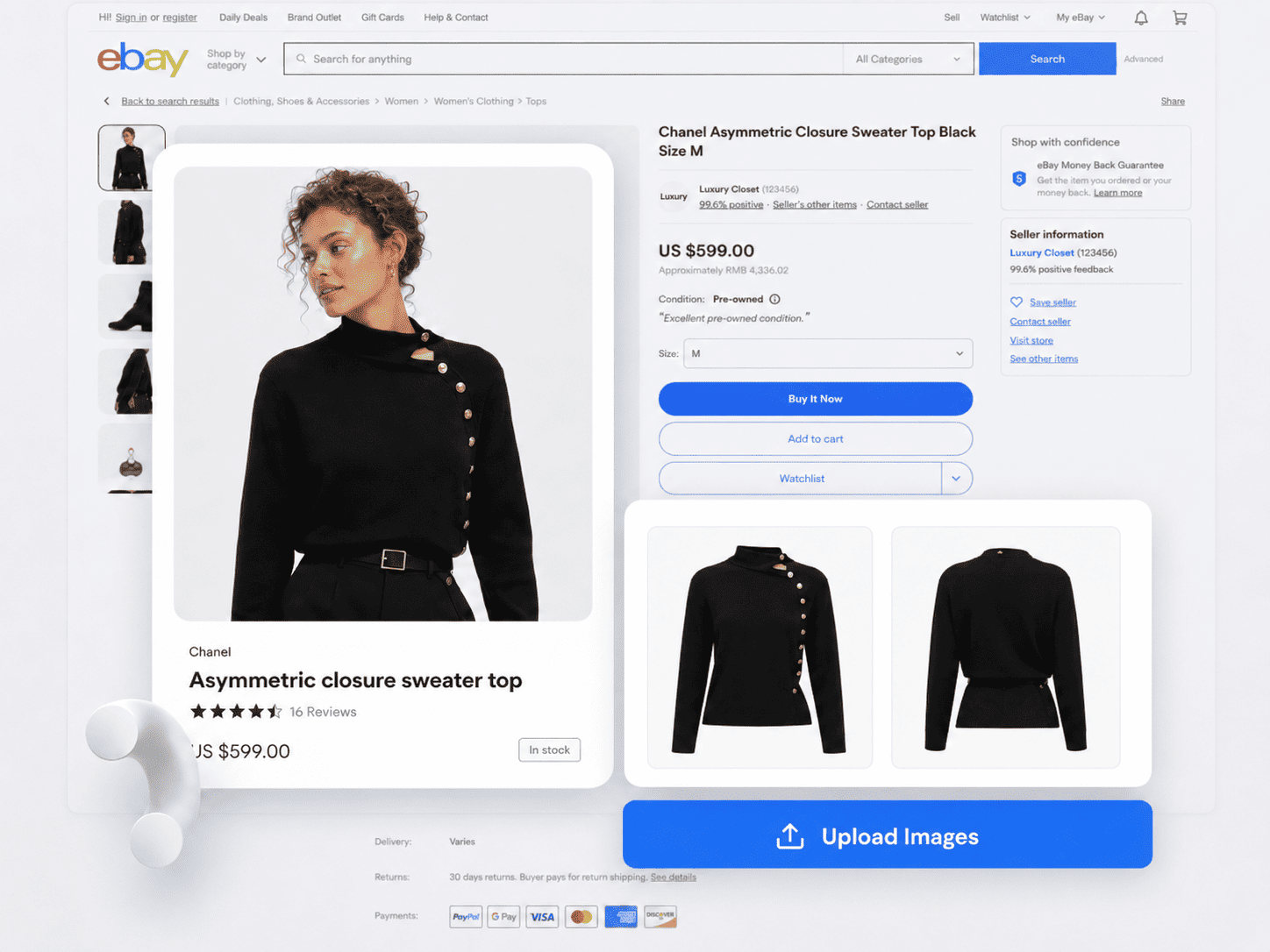
The Maxmerce eBay AI Listing Tool states that it can turn product photos and details into a review-ready eBay listing and provide an AI-powered price recommendation based on product details. That makes the suggestion a natural checkpoint inside the listing workflow—not a substitute for seller judgment.
- Upload clear photos and supply accurate product details, including condition and completeness.
- Generate the eBay listing draft and initial price suggestion.
- Verify the title, category, item specifics, condition notes, and item identity first.
- Compare the suggestion with a narrow set of sold comparables.
- Check shipping, fees, costs, list price, offer floor, and walk-away threshold.
- Edit the draft before publishing.

The recommendation is only as useful as the underlying product details. A generic photo and two-word description may hide the very attributes that move the price. Add the facts a buyer would use to choose between near substitutes, then verify that the generated draft preserves them.
Seven Pricing Mistakes to Catch Before Publishing
- Copying the highest active asking price. An unsold price is not proof of demand.
- Averaging unlike items. Similar color and shape do not make two products comparable.
- Ignoring shipping treatment. Compare the buyer’s likely total and your shipping contribution.
- Forgetting fees. A recommendation and your expected proceeds are different numbers.
- Hiding condition differences. A crack, replacement part, or missing accessory can move the item within the range.
- Letting one outlier set the target. Look for a defensible cluster of close sales.
- Treating the AI result as final. Verify the product facts and edit the draft before publishing.
Pre-Publish Price Review Checklist
- The maker, model or pattern, dimensions, condition, and included parts are verified.
- The comparable set uses sold items, not only active asking prices.
- Weak matches and outliers are excluded or given less weight.
- Item price and shipping treatment are compared consistently.
- Acquisition, preparation, packaging, shipping, fees, and optional promotion costs are estimated.
- The list price, offer floor, and walk-away threshold are recorded.
- The listing format matches the item’s demand and the seller’s risk tolerance.
- The AI suggestion is edited when the physical item or sold evidence points elsewhere.
- The title, category, item specifics, condition notes, description, photos, and price describe the same item.

Frequently Asked Questions
What is an eBay price suggestion tool?
It is a tool that uses product information or market evidence to propose a starting price or range. The seller should still validate the result against close sold items, condition, completeness, shipping, fees, and minimum acceptable proceeds.
Should I use active or sold eBay listings to set a price?
Give more weight to sold listings because they show completed transactions. Use active listings to understand current positioning and supply, but remember that an asking price may never attract a buyer.
Does an AI price suggestion include eBay fees and shipping?
Do not assume it does. eBay says some of its own listing-flow recommendations exclude fees. Calculate your actual acquisition, preparation, packaging, shipping, fee, and promotion assumptions separately.
Is a price suggestion the same as automatic repricing?
No. A suggestion supports the initial pricing decision. Automatic repricing changes a live price later according to rules or signals. This article covers the initial review, not automatic changes.
Can Maxmerce suggest a price for an eBay listing?
Yes. Maxmerce states that its eBay AI Listing Tool provides AI-powered price recommendations based on product details. Use the result as a starting point, verify the listing facts and market evidence, and edit before publishing.
Use the Suggestion to Start the Decision
The best price is not simply the highest number a tool can produce or the lowest number that might sell quickly. It is a price supported by close evidence, adjusted for the exact unit, and compatible with the seller’s real costs and acceptable outcome.
That is the role an eBay price suggestion tool should play: reduce blank-page guesswork, surface a starting point, and leave the accountable decision with the seller.
Want a faster starting point? Use the Maxmerce eBay AI Listing Tool to turn product photos and details into a review-ready eBay draft with an initial price suggestion. Then apply the sold-comparable, cost, and three-number checks above before publishing. You can also review the current Listing plans.
This article provides general seller workflow information, not financial, tax, legal, or marketplace-compliance advice. Fees, shipping rates, features, and policies can change; review the current terms for your eBay site, account, and category.