eBay Personalization: Collect the Right Buyer Text

Quick answer: an eBay personalized listing needs more than a sentence in the description. For an eligible category, add the Personalize item specific, write instructions the buyer can follow, and enable the message-to-seller option. Then match the buyer’s exact request to the correct purchased unit before making anything permanent.
A custom order can fail even when the product and payment are correct. A buyer may select a navy dog collar, type “Milo” in one place, and later message “Mylo.” The seller’s job is not to choose the spelling that looks right. It is to resolve the conflict, document the answer, and give production one unambiguous instruction.
What does eBay require for a personalized listing?
eBay’s current Seller Center guidance lists three setup actions: add the Personalize item specific to the relevant listing, provide personalization instructions, and turn on the message to seller option. Buyers can then enter personalized text on the View Item page in supported categories. eBay also says buyers may filter search results for personalized listings.
Availability is category-specific. A broad area such as Home & Garden, Pet Supplies, or Jewelry & Watches appearing in eBay’s list does not mean every leaf category supports the feature. Start with the exact category in the current listing editor, save the setup, and inspect the buyer-facing result. The official page also notes that additional charges may apply, so review the fee summary shown for your listing before saving.
Source checked October 9, 2026: eBay Seller Center: Item specifics and Personalize with eBay.
| Stage | Seller check | Do not assume |
|---|---|---|
| Category | The exact leaf category supports personalization. | A related category automatically supports it. |
| Listing setup | Personalize, instructions, and message-to-seller are saved. | The description alone creates an input field. |
| Buyer view | The live listing shows the expected instructions and route. | A saved seller-side field guarantees the buyer sees it. |
| Production | The final text is linked to the correct unit and stock choice. | A later message clearly replaces the original request. |
Write instructions that produce a usable request
Good personalization instructions describe the seller’s real production limits. Tell the buyer what to enter, whether capitalization and punctuation matter, how many lines are available, and how multiple units should be labeled. Do not copy a character limit from another seller unless you have tested it on your own product and artwork.

For example, a seller who has verified a 16-character, one-line layout for one specific wooden sign could write:
Enter the text exactly as you want it engraved, including capitalization and punctuation. Maximum 16 characters including spaces. One line only. For multiple signs, identify the text for each quantity.
That is a workshop-specific example, not an eBay-wide character limit. A seller making embroidered backpacks, stamped collars, or photo gifts will need different instructions. Show the available treatment in the photos, but make it clear that sample wording is an example rather than the default text every buyer receives.
Keep stock variations separate from custom text
Use supported variations for repeatable inventory choices such as color, size, or material. Use personalization for information unique to the buyer’s unit, such as a name or short inscription. Creating a variation for every possible name makes the listing harder to maintain and does not solve the order-level matching problem.

Consider a collar listing with navy and tan stock options. “Navy” belongs in the color choice. “Milo” belongs in the personalization request. If the buyer purchases two collars with different names, create two unit-level entries rather than one loose note reading “Milo / Luna.”
If the variation selector itself is missing, troubleshoot the category and listing structure separately. Personalization does not make an unsupported variation valid. Treat that as a separate listing-workflow problem rather than changing the buyer’s customization instructions.
Use one request record for each purchased unit
A short internal record is not an eBay requirement, but it reduces workshop mistakes. Keep it attached to the order in your own process and update it when the buyer clarifies something. Never overwrite the original request without preserving what changed.
| Record | Fictional collar example | Check before production |
|---|---|---|
| Purchased unit | One navy, medium collar | Match color, size, and quantity to the order. |
| Original request | Milo | Copy exact characters; do not silently correct them. |
| Later message | Please use Mylo | Ask whether this replaces the original spelling. |
| Resolved instruction | Mylo, centered, shown type style | Tie the clarification to this exact unit. |
| Production check | Mylo | Compare the artwork with the resolved instruction. |
What if the buyer’s text is missing or conflicting?
Pause irreversible production and ask a specific question through eBay. For example: “For the navy medium collar, should the nameplate read Mylo rather than Milo?” Do not substitute the buyer’s account name, a sample name from the product photo, or your preferred spelling.
Keep the conversation on eBay. eBay’s member-to-member contact policy restricts sharing or requesting email addresses, phone numbers, social accounts, and other contact details in marketplace communications. eBay also provides a contact-a-buyer workflow after purchase.
Missing text does not automatically create extra handling time, a cancellation right, or a special returns outcome. Check the specific order, the listing promises, and the applicable eBay policies before deciding what to do. A good internal request record helps prevent production errors, but it does not guarantee seller protection.
Where Maxmerce helps—and where eBay still controls the request
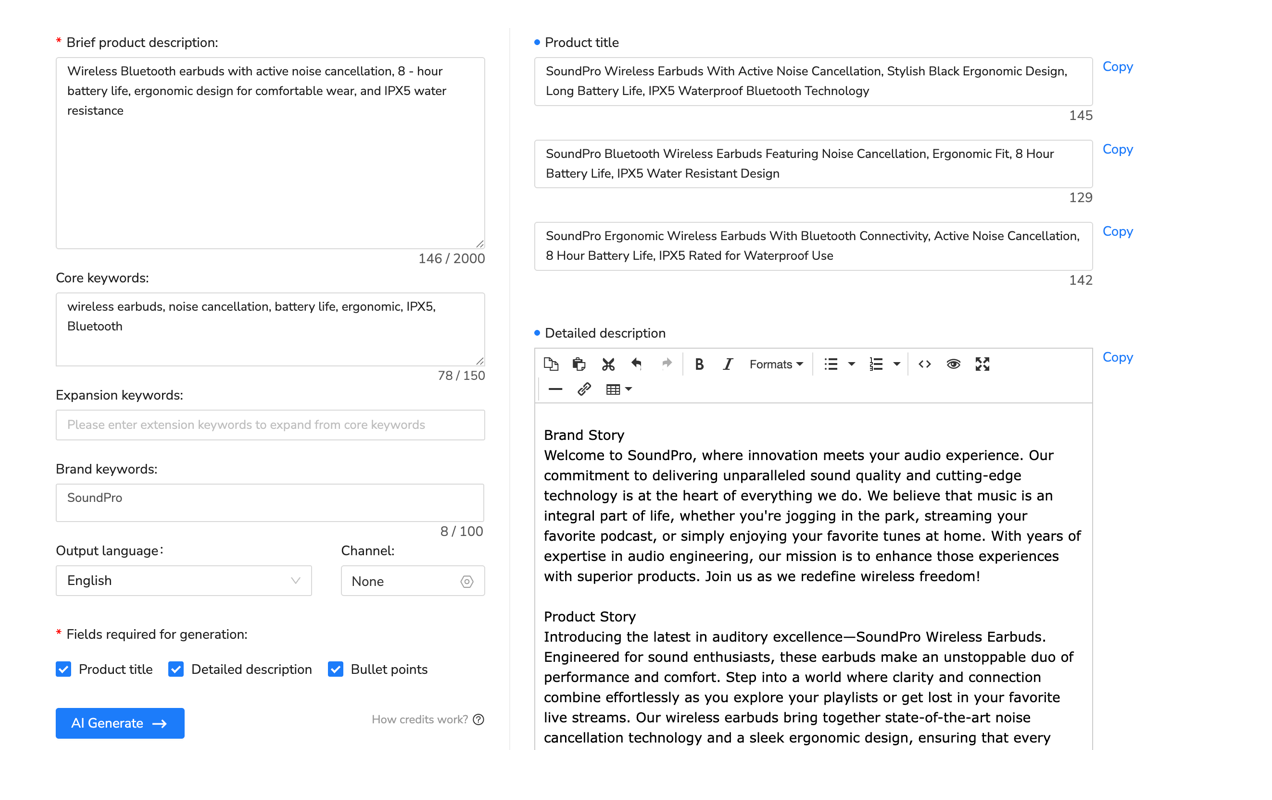
The Maxmerce eBay AI Listing Tool can help turn product photos and verified details into a review-ready listing draft, including a title, description, category, item specifics, and condition notes. That can reduce blank-page work when a personalized product has several materials, finishes, or listing fields to describe. The broader Maxmerce Listing workspace provides the place to review that draft before publication.
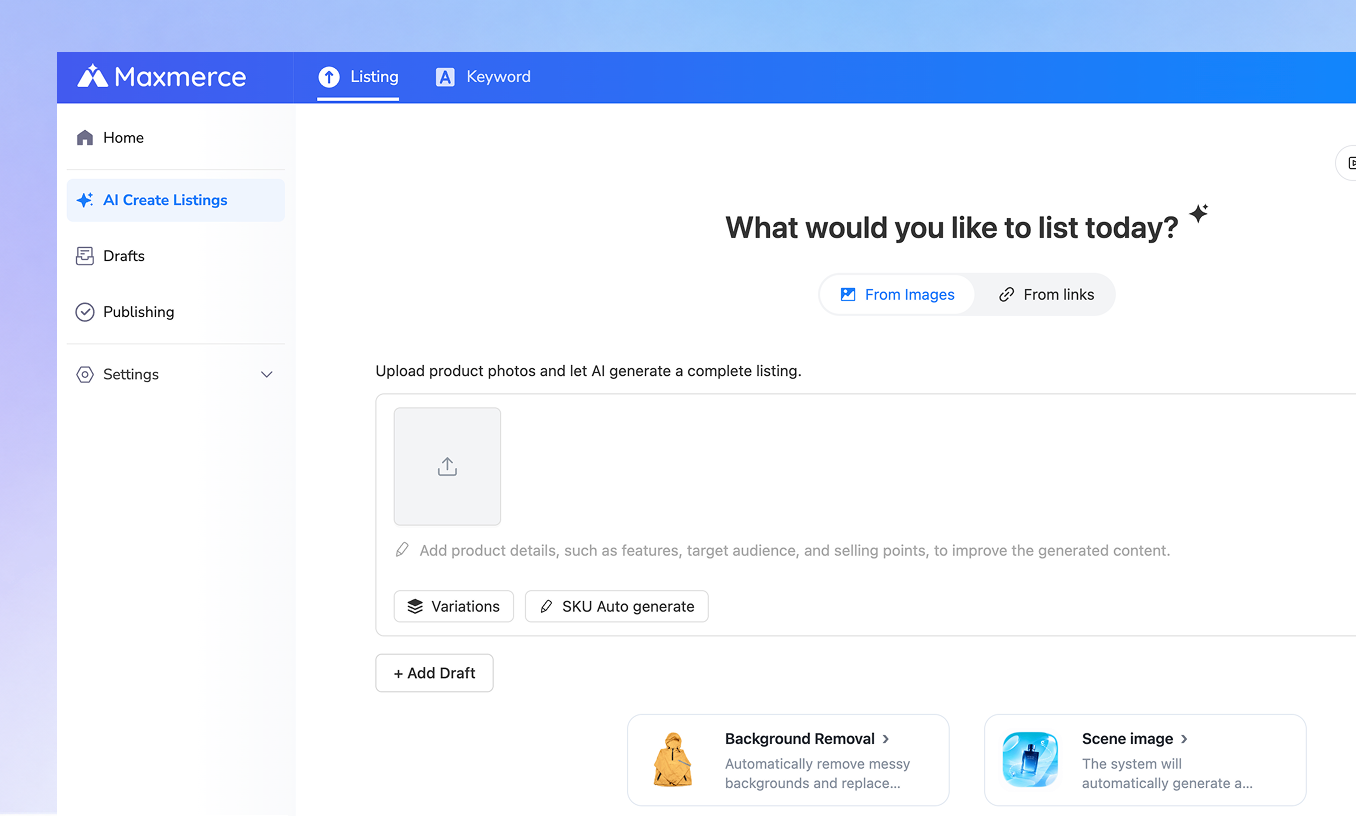
Review the generated content before publishing. The tool should not invent a buyer’s future name, inscription, or artwork choice. eBay controls whether the native personalization option is available in the selected category, and the buyer’s actual request arrives later through the eBay order workflow.
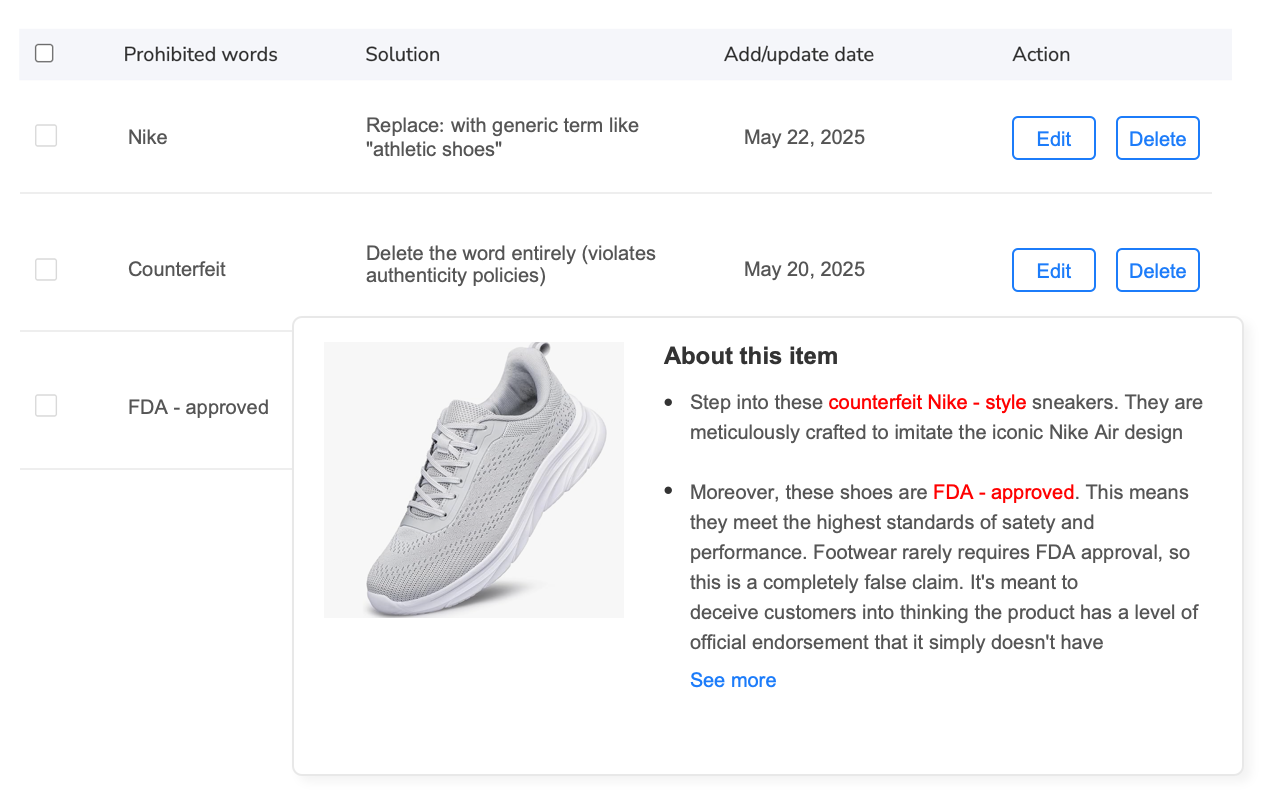
Before publishing, scan listing language for unsupported promises or risky wording. A prohibited-words check can help flag text for seller review, but it does not validate the physical capacity of your workshop or confirm a buyer’s final personalization request.
Pre-publish and pre-production checklist
- Confirm the exact eBay category supports personalization.
- Add the Personalize item specific, clear instructions, and message-to-seller option.
- Preview the buyer-facing listing rather than trusting the saved editor alone.
- Keep color, size, and other stock choices in supported variations.
- State only production limits you have tested for the actual product.
- Match every buyer request to the correct quantity and selected variation.
- Resolve missing or conflicting text through eBay before irreversible work.
- Compare the final artwork or production file with the resolved instruction.
FAQ
Is the Personalize item specific enough by itself?
No. eBay also tells sellers to provide personalization instructions and turn on the message-to-seller option. Save the listing and verify the buyer-facing experience.
What should I do if the buyer leaves the personalization blank?
Pause production and contact the buyer through eBay to request the missing information. Do not guess from the buyer’s account name or from wording shown in a sample image.
Should color and size be collected as personalization text?
Use supported variations for repeatable stock choices such as color or size. Reserve personalization for unique buyer-provided text or another custom instruction that your process supports.
Can an AI listing draft collect the buyer’s final custom text?
An AI listing tool can help prepare listing content, but the eBay-native personalization setup and the buyer’s actual order request remain separate. Check the real order before production.
Bottom line: write a listing that collects usable information, then operate a request-to-production check that preserves the buyer’s exact wording. If preparing the base listing is the bottleneck, use Maxmerce to create an editable starting draft—and keep the final personalization decision tied to the eBay order.