Amazon Keyword Search Volume: Counts, Ranks & Estimates
Amazon keyword search volume is not one universal number. Depending on the source, you may be looking at an Amazon query count, a search-frequency rank, a third-party estimate, or Google search demand. Before comparing values, match the marketplace, time window, query definition, and source. If those labels do not match, the numbers should not be averaged or treated as interchangeable.
This guide shows how to separate those metrics, document them, and turn them into a defensible keyword shortlist for Amazon listings and research.
What Amazon keyword search volume actually means
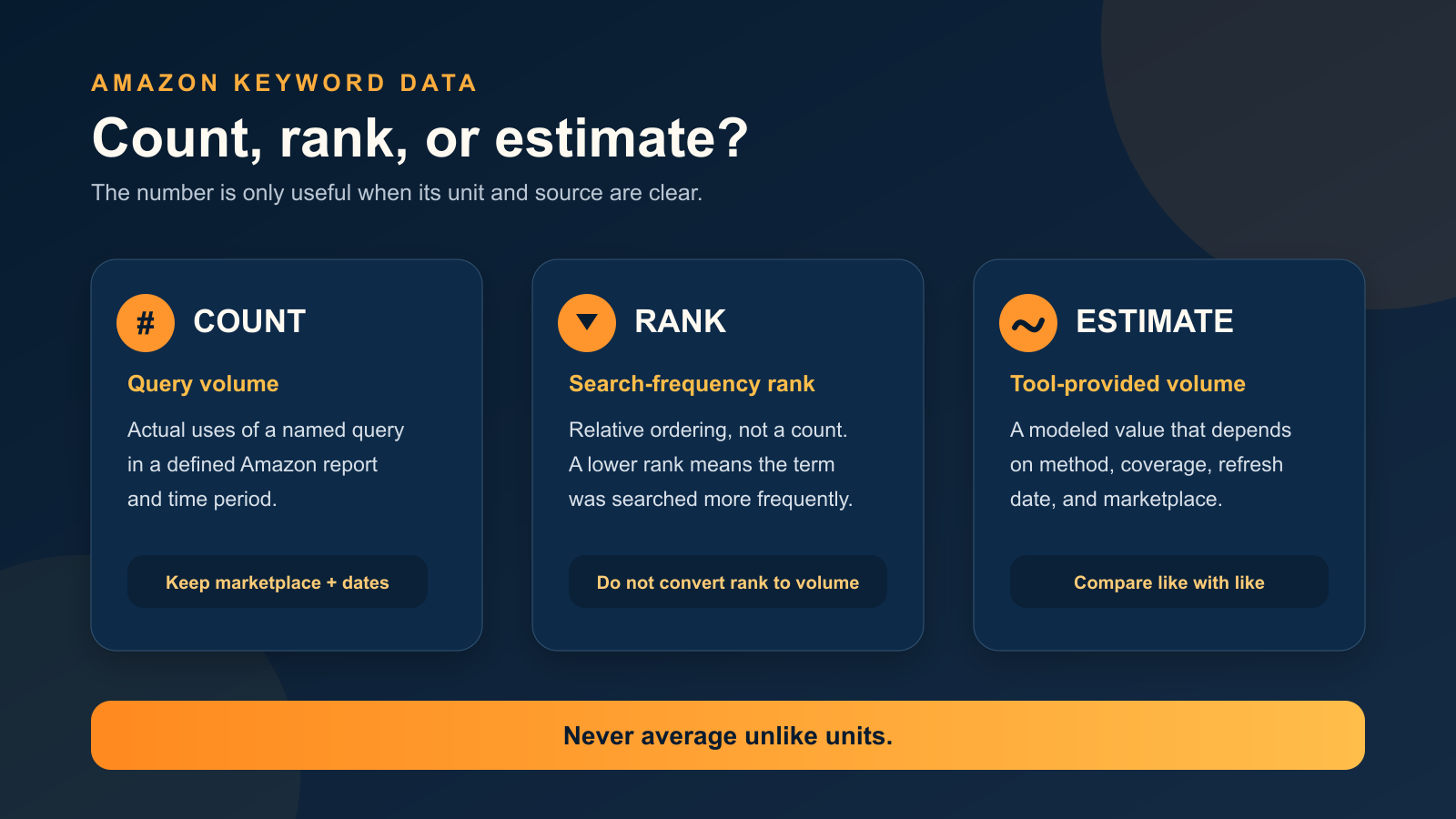
In plain language, search volume describes how often shoppers use a query during a defined period. The definition only works when the source actually reports a count. A rank such as 8,000 is a position in an ordered list, not 8,000 searches. A tool estimate is a modeled value, not a first-party Amazon total.
Fast rule: never copy a keyword number into a planning sheet without also copying its unit, marketplace, period, source, and retrieval date.
Count vs. rank vs. estimate
| Label | What it represents | How to use it | Common mistake |
|---|---|---|---|
| Amazon query volume | Uses of a named query in a defined Amazon report and period | Compare queries within the same report, marketplace, and date range | Assuming it covers every Amazon search or every seller |
| Search-frequency rank | A query’s relative position by search frequency | Use it to compare ordering within the same Amazon dataset and period | Reading the rank as a search count |
| Third-party volume estimate | A provider’s modeled estimate for a marketplace and period | Use directionally after recording the tool, market, window, and refresh date | Presenting the estimate as an exact Amazon total |
| Google average monthly searches | Google Search Network demand based on the selected settings | Use as supporting evidence for broader language and seasonality | Treating Google demand as Amazon shopper demand |
Start with Amazon’s first-party sources
Amazon’s own reporting is the best place to understand what a metric means. Access and scope differ by report, so record the dashboard name rather than writing only “Amazon data.”
| Amazon source | Useful for | Important scope note |
|---|---|---|
| Search Query Performance | Queries customers use to find a brand, with query volume and funnel metrics such as impressions, clicks, cart adds, and purchases | Amazon says Brand Analytics access requires a Professional selling account and the Brand Representative role for a brand enrolled in Brand Registry |
| Top Search Terms | Search-frequency rank plus leading clicked brands, categories, and products | Search-frequency rank is relative; it is not a monthly search count |
| Product Opportunity Explorer | Assessing shopper demand, search behavior, and competition within product niches | Use its niche context for product opportunity research, not as a substitute for query-level listing relevance |
These sources answer different questions. Search Query Performance can connect searches to a brand funnel. Top Search Terms helps you see relative popularity and leading click behavior. Product Opportunity Explorer is designed for niche and product-opportunity analysis. Keep their exports in separate columns unless the units and scope genuinely match.

Why Amazon keyword tools show different numbers
Two reputable sources can disagree without either one being “wrong.” The difference usually comes from one or more of these inputs:
- Marketplace: Amazon.com demand is not the same as demand in the United Kingdom, Germany, France, or Japan.
- Time window: a recent week, a calendar month, a rolling period, and a seasonal quarter can produce very different results.
- Query coverage: one source may use an exact query while another groups close variants, plurals, or related wording.
- Data scope: a brand-level report, a category view, and a marketplace-wide estimate do not cover the same population.
- Estimation method: third-party tools may model demand from different inputs and refresh schedules.
- Display rules: rounded values, thresholds, blanks, and suppressed low-volume terms can change what you see.
Google’s Keyword Planner documentation is a useful example of why labels matter: average monthly searches depend on the selected location, Search Network, month range, and close variants, and displayed values are rounded. Its competition metric refers to advertiser competition on Google, not organic ranking difficulty on Amazon.

Worked example: three numbers, no valid average
Suppose a seller researching an insulated travel mug writes down the following values. These numbers are fictional and illustrate the labeling problem; they are not current demand data.
| Research note | Value | Correct label | Decision |
|---|---|---|---|
| A | 1,200 | Provider estimate, Amazon US, 30-day window | Keep for directional comparison with estimates from the same source |
| B | 900 | Google average monthly searches, US, previous 12 months | Use as supporting language evidence, not Amazon volume |
| C | 8,000 | Amazon search-frequency rank, selected week | Use as relative ordering; do not add it to A or B |
The average of 1,200, 900, and 8,000 would be meaningless because the row combines estimates, Google searches, and a rank. The correct next step is to preserve each source label, then compare only rows with matching units and settings.
Copy this source-label worksheet
Use one row per keyword-source combination. That means the same query may appear on several rows when you are checking multiple reports.
| Field | What to record |
|---|---|
| Query | Exact text, including spacing and plural form |
| Marketplace or channel | Amazon US, Amazon UK, Google US, and so on |
| Source and metric | Dashboard or tool name plus query volume, rank, or estimate |
| Time window | Week, month, rolling period, or selected dates |
| Query coverage | Exact query, close variants, or related-term expansion |
| Value and retrieval date | The displayed value and the date you collected it |
| Product fit and decision | High, medium, or low relevance; keep, test, or reject |
Use relevance before sorting by volume
Volume can help prioritize a relevant list, but it cannot make an irrelevant query appropriate. Start with product facts: product type, audience, material, size, compatibility, intended use, and distinguishing features. Reject terms that imply attributes the product does not have. Then group the remaining queries by intent and compare demand within those groups.
- Primary terms: accurately name the product and match broad purchase intent.
- Attribute terms: describe verified material, size, style, color, or compatibility.
- Use-case terms: describe a real situation the product supports.
- Research-only terms: may reveal a category or trend but do not belong in the listing because the product does not satisfy the query.
What should you do with zero or missing volume?
Treat zero, blank, and unavailable as different states. A displayed zero may reflect rounding or a low-volume threshold. A blank may mean the tool lacks enough data or did not return the query. Unavailable may mean the metric is not offered for that marketplace, account, or report.
Do not automatically delete a highly relevant long-tail phrase because one source shows no number. Verify the spelling, marketplace, period, and query coverage; check another appropriately labeled source; and decide whether the term accurately describes the product. Relevance remains the entry requirement.
Use a keyword tool without losing the source labels
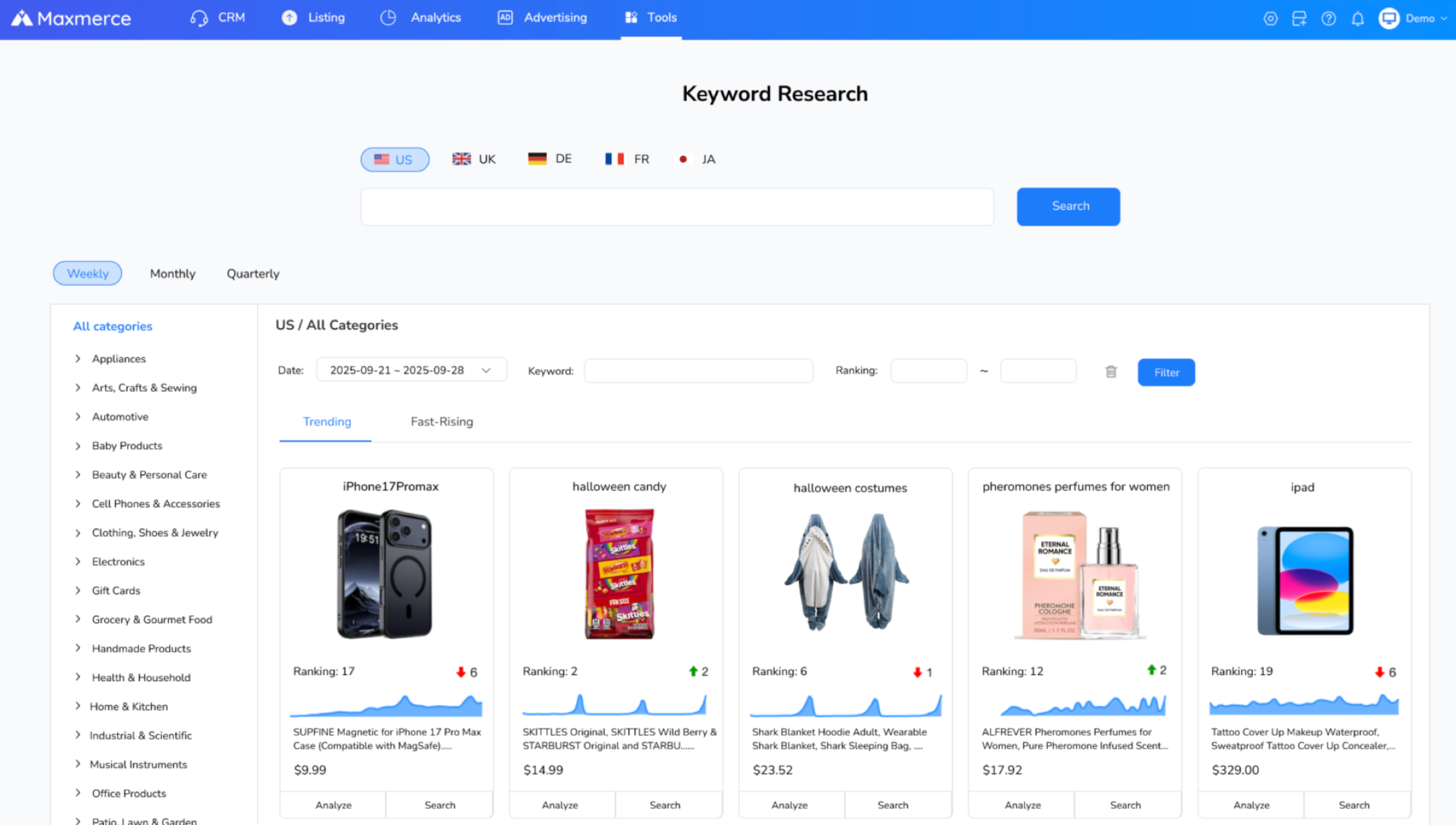
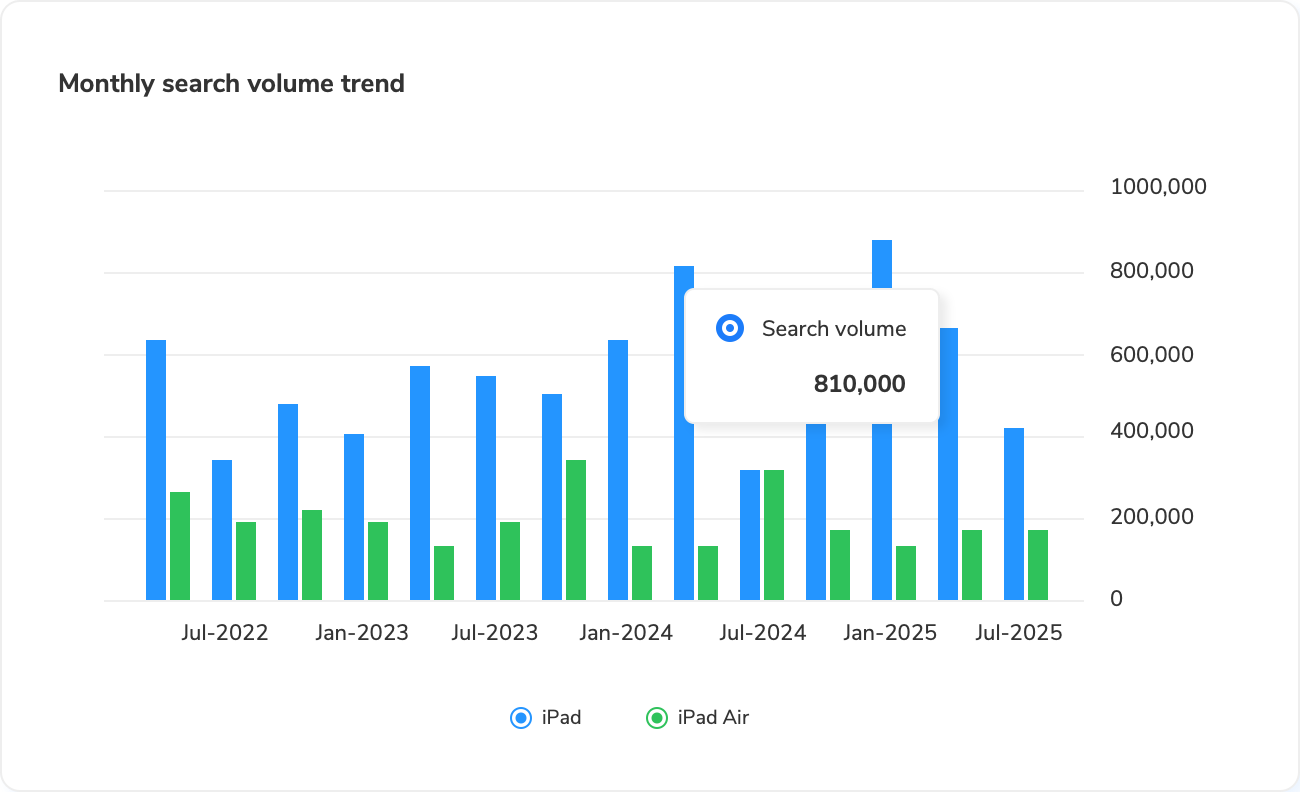
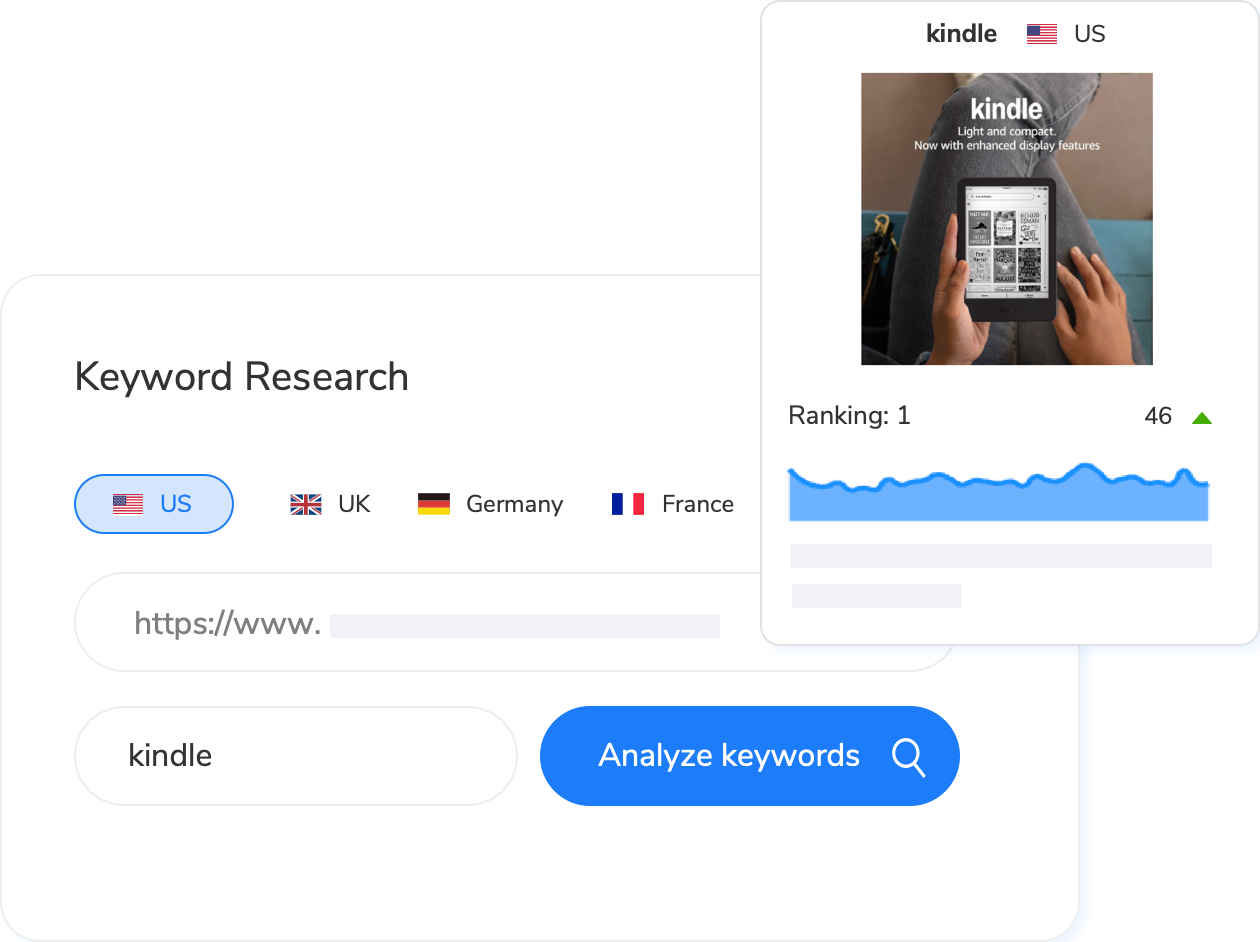
The Maxmerce Amazon Keyword Research Tool provides keyword expansion and estimated metrics such as search volume, competition intensity, and trend information across supported marketplaces. Treat those values as estimates, keep the selected marketplace and time window attached to every export, and compare keywords within the same view.
A practical five-step workflow
- Set one marketplace. Keep US, UK, Germany, France, and Japan research in separate views or sheets.
- Choose one comparison window. Do not mix weekly, monthly, and quarterly values in the same ranking column.
- Build a relevance-first seed list. Start with accurate product nouns and verified attributes.
- Compare trends and estimates. Look for stable demand, seasonal movement, and meaningful differences among closely related queries.
- Document the decision. Record why each term is kept, tested, or excluded before using it in listing copy or campaigns.
Final keyword-volume checklist
- Can you name the source, metric, marketplace, period, and retrieval date?
- Are you comparing counts with counts, ranks with ranks, or estimates with estimates?
- Have you kept Google search demand separate from Amazon shopper demand?
- Does every shortlisted keyword accurately describe the product?
- Have you separated zero, blank, and unavailable values?
- Can another teammate reproduce the comparison from your worksheet?
A useful shortlist is not simply the one with the largest numbers. It is the one whose terms are relevant, whose metrics are correctly labeled, and whose comparison can be repeated. That discipline makes keyword data easier to defend and more useful for listing, catalog, and advertising decisions.
No. Amazon provides query and search-behavior data through specific reports and tools, each with its own access rules and scope. Do not assume every keyword has a marketplace-wide exact count.
No. Search-frequency rank is a relative ordering. A lower rank indicates a more frequently searched term within that dataset and period, but the rank is not a search count.
Tools can use different marketplaces, time windows, query coverage, data scopes, estimation methods, and refresh dates. Compare values only after those labels match.
No. Google Keyword Planner measures Google Search Network demand under its selected settings. It can provide supporting language or seasonality evidence, but it is not an Amazon shopper-volume report.
Check the spelling, marketplace, period, query coverage, and source rules. Then confirm the term’s product relevance and consult another properly labeled source before keeping or rejecting it.
Sources and product interfaces reviewed September 9, 2026.