eBay AI Listing Tool for Resellers: A Practical Workflow
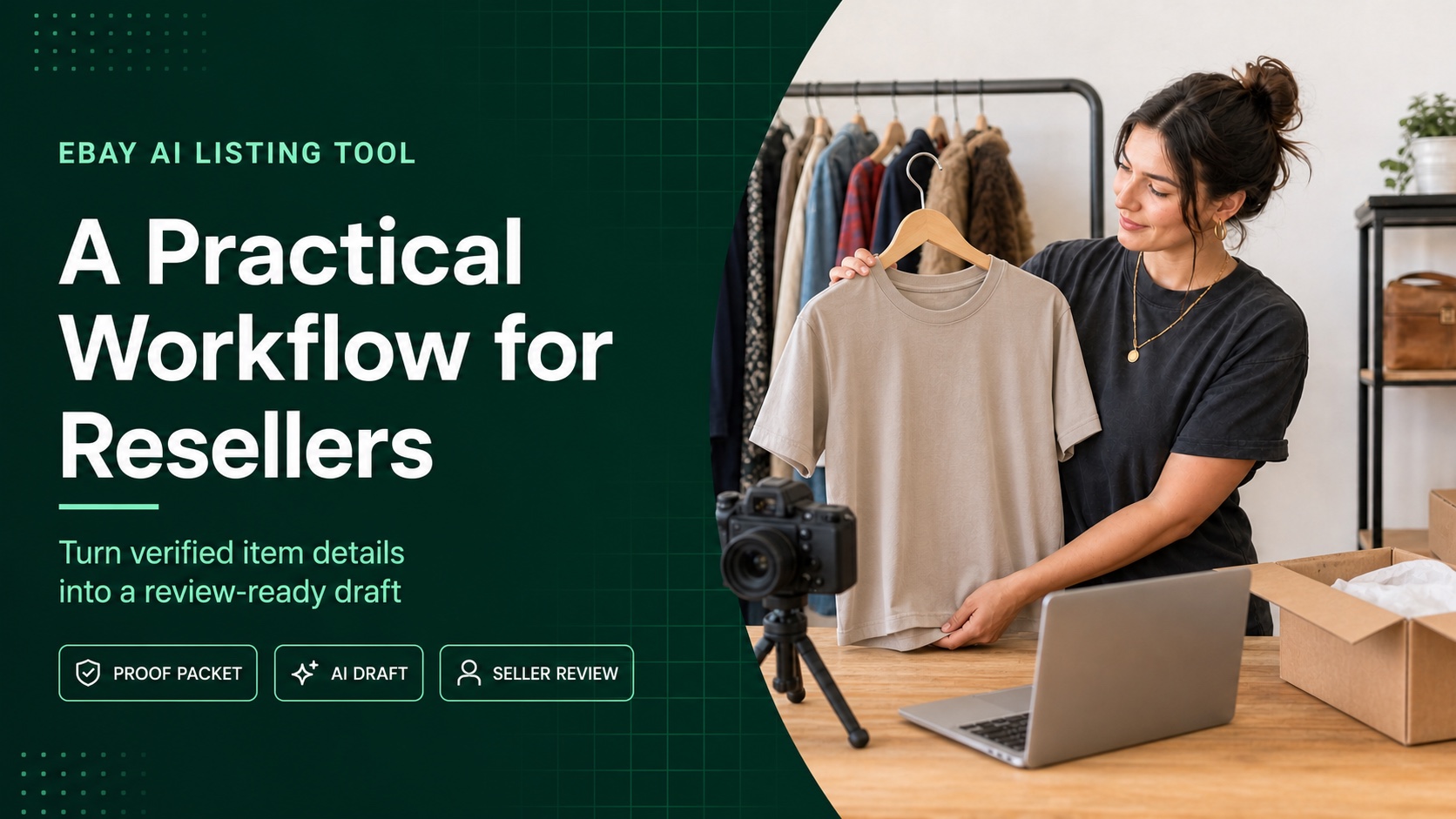
An eBay AI listing tool can help resellers turn product photos and a short set of verified facts into a review-ready listing draft. That is especially useful for thrift-store and charity-shop inventory, where nearly every jacket, console, lamp, or collectible needs its own title, photos, item specifics, condition notes, and price decision.
The important word is draft. AI can remove blank-page work, but it did not inspect the care label, test the charging port, measure the chest, notice the hairline crack, or calculate your actual margin. A reliable reseller workflow collects those facts first, uses the tool second, and keeps the final decision with the seller.
Quick answer: Use an eBay AI listing tool after sourcing and inspection, not before. Record the item’s identity, measurements, test results, defects, included parts, and target price; photograph the actual item; generate the draft; then compare every field with your notes before publishing.
Why eBay Resellers Have a Different Listing Problem
A retailer may list one repeatable SKU and sell it hundreds of times. A thrift reseller may bring home twelve unrelated items and need twelve fresh listings. The setup cost repeats: research, cleaning, testing, photography, measurements, title writing, specifics, condition disclosure, price research, and storage location.
That makes listing time part of the cost of goods. A $25 sale can look attractive in the aisle but become weak after purchase cost, platform fees, cleaning, packaging, shipping support, return risk, and forty minutes of labor. The right AI tool does not decide whether an item is profitable. It helps compress the writing and data-entry portion after the reseller has decided the item deserves attention.
For one-off inventory, accuracy matters more than polished copy. eBay’s selling practices policy requires sellers to specify condition and describe defects or flaws. It also says used, refurbished, or flawed items need photos of the actual item rather than a stock photo.
Step 1: Decide Whether the Find Deserves Listing Time
Do not ask only, “Can I sell this?” Ask, “Is there enough evidence and margin to process this item?” A fast sourcing gate prevents a cheap purchase from becoming expensive unlisted inventory.
| Check | What to verify in the store | Reason to pass |
|---|---|---|
| Identity | Brand or maker, model, size, material, label, date code, or other reliable identifier | You cannot identify the item without guessing. |
| Sold evidence | Recent comparable sales with similar condition, size, completeness, and location | You see many asking prices but little evidence of completed sales. |
| Condition | Stains, odors, cracks, wear, missing parts, power-on status, or repair needs | A defect is hard to test, disclose, photograph, or ship safely. |
| All-in cost | Purchase, tax or VAT, cleaning, parts, packaging, fees, shipping, and labor allowance | Your conservative sale estimate leaves too little room for error. |
| Policy and shipping | Item is allowed, practical to package, and economical to ship to your target market | The category is restricted, fragile, oversized, hazardous, or outside your expertise. |
Use completed-sale evidence, not the highest active listing you can find. eBay says its Product Research tool provides up to three years of sales data, including average sold price, sold-price range, average shipping cost, and sell-through rate for recent searches. Filter by category and condition so a sealed collectible does not distort the value of your loose, worn example.
Step 2: Build a Proof Packet Before You Draft
The proof packet is a small record of everything the listing must be able to defend. It can live in a note, spreadsheet row, inventory app, or paper intake sheet. The format matters less than collecting the facts while the item is still on the workbench.
Record these facts for each thrift find:
- Internal SKU and storage location
- Brand, maker, model, style number, serial number, or label details
- Category, size, material, color, dimensions, and weight
- What you tested, how you tested it, and the result
- Every visible defect, odor, alteration, repair, or missing part
- Exactly what is included in the sale
- Comparable sold range and the date you researched it
- Target price, minimum acceptable contribution, and shipping plan
Be literal. “Works great” is weak evidence. “Powered on, buttons responded, Wi-Fi connected, game cartridge slot read a test cartridge; battery runtime not measured” tells you exactly what the draft may say. For clothing, “women’s medium” is not enough. Capture the tag size, pit-to-pit, length, sleeve, fabric content, and any shrinkage or alteration you can observe.
Apparel timing note: eBay’s current listing guidance says that from August 2026, apparel and footwear listings with unclear or missing size or condition details may be hidden until updated. Resellers should standardize sizes where eBay supports them and keep measurements in the description rather than using vague values such as “see description” for the size field.

Step 3: Photograph the Actual Used Item
Photos are both sales material and condition evidence. eBay currently allows up to 24 pictures per listing. Its photo guidance requires at least 500 pixels on the longest side and recommends images around 1600 by 1600 pixels. More important for resellers, eBay says stock photos cannot be used for used items.
Start with a clean, face-on main image against a neutral, uncluttered background. Then capture the other angles a cautious buyer would request: back, sides, base, label, size tag, model plate, connectors, included accessories, and close-ups of every meaningful flaw. Add a ruler when scale is not obvious. For a bundle, show the entire bundle together.
Read eBay’s full listing photo guidance before building a permanent photo setup. The goal is not to make a worn item look new. It is to make the exact item easy to understand.
Step 4: Use the eBay AI Listing Tool for the First Draft
Once the photos and proof packet are ready, the repetitive writing can begin. The Maxmerce eBay AI Listing Tool is designed to turn product photos and details into complete, ready-to-review eBay listing drafts. It can create titles, descriptions, categories, item specifics, attributes, condition notes, and price suggestions. Sellers can edit the draft before publishing.
That sequence fits resale inventory well: upload the images, provide the verified details the photos cannot prove, generate the draft, then check the result against the item. If you are processing a small haul, multiple drafts can keep the batch together without pretending the items are identical SKUs.

Give the tool facts it cannot safely infer
A clear photo may reveal color and product type. It may not reliably prove authenticity, exact material, hidden damage, internal storage capacity, battery health, manufacturing year, or whether every function works. Add those facts from your proof packet. If a detail is unknown, keep it unknown rather than turning a visual guess into a confident claim.
| AI can help draft | The reseller must verify |
|---|---|
| Readable title structure and buyer-friendly description | Correct brand, model, product identity, authenticity, and ownership of the photos |
| Category, item specifics, and visible attributes | Category fit, label data, measurements, materials, size, and identifiers |
| Condition-note wording from supplied details | Test results, defects, odors, repairs, missing parts, and included accessories |
| Price suggestion as a starting point | Comparable sold evidence, costs, shipping, desired margin, and offer strategy |
| Several listing drafts in one workflow | Correct photos, SKU, quantity, storage location, and final publish decision for each item |
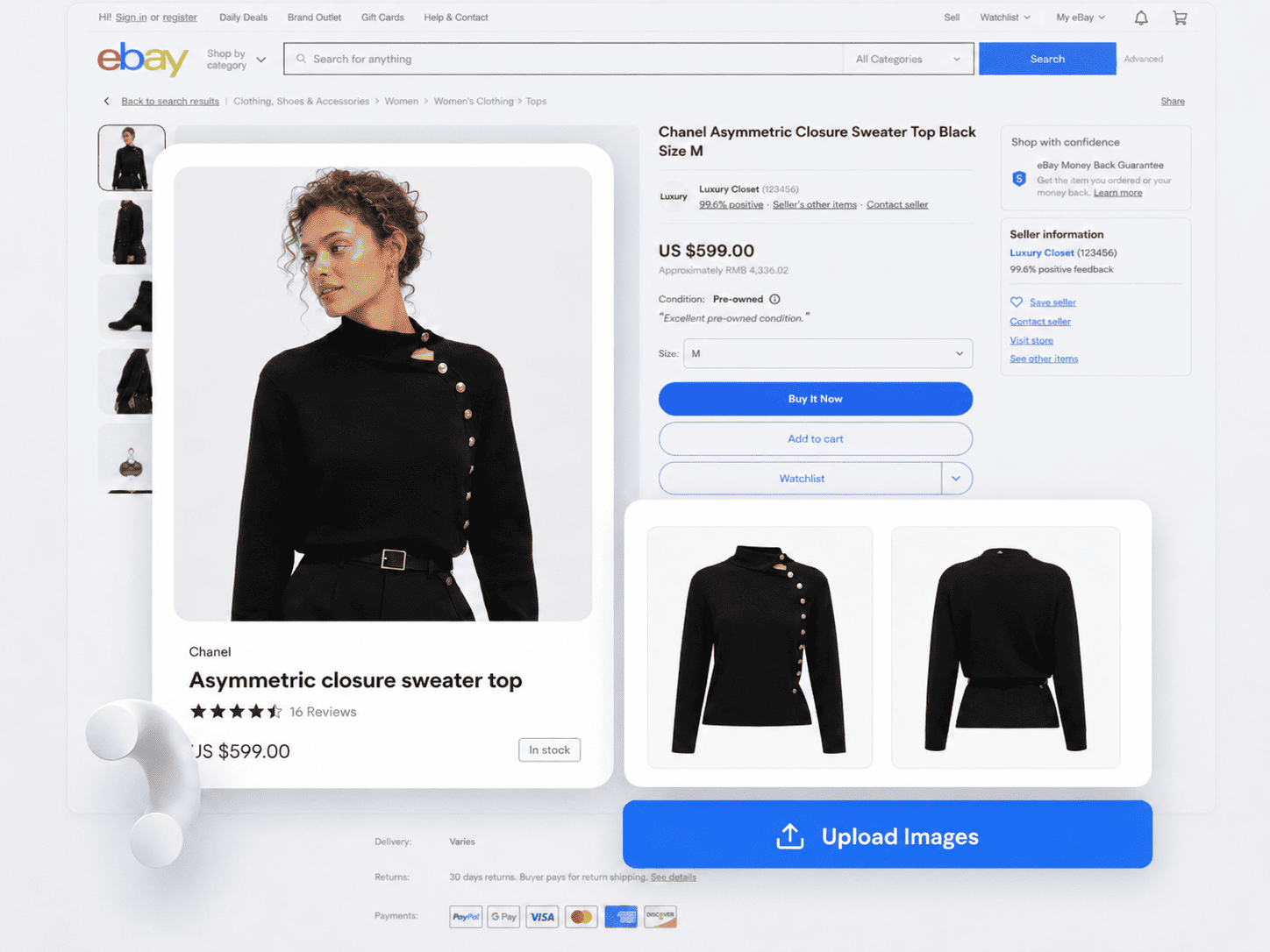
Step 5: Review the Draft Like a Buyer Who Expects a Flaw
Open the draft beside the item and your proof packet. Do not review it from memory. Start with the highest-risk claims: brand, model, authenticity, size, material, function, condition, and completeness. Then compare the title, item specifics, description, condition notes, and photos. They should tell the same story.
Use keywords for clarity, not padding. A phrase belongs in the title when it accurately identifies the product or a feature a likely buyer would search. If you need ideas, a dedicated eBay keyword research tool can help you explore buyer wording, but every chosen phrase still has to match the item.
Pricing deserves the same discipline. Compare sold items with similar condition and completeness. Adjust for shipping, season, location, size, color, and how long comparable listings took to sell when that data is available. An AI price suggestion is useful as a second opinion; it is not a substitute for your costs or a promise of what a buyer will pay.
Example: From Thrifted Denim Jacket to Review-Ready Draft
Suppose a reseller finds an unbranded vintage-style denim jacket for $12. The jacket looks clean, but “looks good” is not enough input for a listing. The proof packet turns it into usable facts.
Seller’s verified notes
- Unbranded blue denim trucker jacket; no readable brand label
- Tagged men’s medium; 22-inch pit-to-pit and 25-inch back length
- Five-button front, two chest pockets, 100% cotton care label
- Light fading at cuffs and collar; 0.25-inch mark near left pocket
- All buttons present; seams checked; no odor noticed after cleaning
- Actual-item photos include front, back, label, measurements, cuffs, collar, and mark
Possible reviewed title: Men’s Blue Denim Trucker Jacket Medium Cotton Faded Button Front
Possible condition note: Pre-owned. Light fading at the cuffs and collar and a small mark near the left chest pocket; see close-up photos. All buttons are present. Please compare the listed measurements with a jacket that fits you.
The draft is useful because it organizes the facts. The seller still has to confirm the category, standardized size value, item specifics, measurements, photos, shipping weight, price, and return settings. The tool saves writing time without becoming the source of truth.
A Pre-Publish Checklist for eBay Resellers
- Identity: Brand, model, size, material, era, and authenticity claims are supported.
- Category: The selected eBay category fits the actual item.
- Photos: The actual item is shown clearly, including labels, included parts, and flaws.
- Condition: The condition selection and notes match the title, description, specifics, and photos.
- Testing: The description says what was tested and avoids implying untested functions work.
- Completeness: Buyers can tell exactly what is and is not included.
- Price: The decision uses comparable sold evidence and your full cost structure.
- Fulfillment: Weight, dimensions, packaging, shipping service, handling time, and returns are correct.
- Policy: Restricted-item, intellectual-property, and listing-content concerns have been checked.
- Inventory: SKU and storage location let you retrieve the exact one-off item after it sells.

How to Test an AI Listing Tool Without Disrupting Your Store
Run a small controlled test before changing the whole workflow. Choose five to ten representative items: apparel, a simple home good, one tested electronic, and one item with a visible flaw. Time the process from finished photos to reviewed draft, not from upload to raw AI output.
Track three things: total reviewed listing time, the number and type of corrections, and whether the final draft is as complete as your manual standard. A fast draft that creates hidden factual errors is not faster. A useful tool should reduce repetitive writing while preserving the evidence and judgment your resale business depends on.
Frequently Asked Questions
Is an eBay AI listing tool useful for one-off resale items?
Yes. One-off items repeat the same writing and field-entry work even though the products differ. AI can create a stronger starting draft for each item, provided you supply accurate facts and review the result.
Can AI identify a thrift-store item from a photo?
It may suggest a product type or visible attributes, but do not rely on a photo alone for brand, model, material, era, authenticity, hidden condition, or function. Verify those details from the physical item and trustworthy sources.
Can eBay resellers use stock photos for used items?
No. eBay’s current guidance says used, refurbished, damaged, or defective items need photos of the actual item. Show multiple angles and disclose imperfections clearly.
What should a reseller review in an AI-generated eBay draft?
Review identity, category, title, item specifics, measurements, condition, defects, included accessories, price, quantity, shipping, returns, and policy-sensitive wording against the item and proof packet.
How should a reseller test an AI listing tool?
Start with a small mixed batch. Compare total reviewed listing time and correction types with your manual workflow. Keep the process only if it saves work without lowering accuracy.
Use AI for the Draft, Judgment for the Listing
Reselling works when the item on the buyer’s doorstep matches the promise on the screen. Build that promise from evidence: a disciplined sourcing decision, a proof packet, honest photos, and a careful final review. Then let AI handle the repetitive first draft.
Want to test the workflow? Use the Maxmerce eBay AI Listing Tool to create review-ready drafts from a small batch of thrift finds. Compare the reviewed results with your manual process, and keep every final fact check in seller hands.
This article provides general seller workflow information, not legal, tax, authentication, or marketplace-compliance advice. Review the current rules for the eBay site and category where you list.