
Create from photos
Upload product photos. Maxmerce AI identifies product details and creates an editable Amazon listing for review.
Paste a product URL or upload photos. Maxmerce creates editable, search-ready Amazon listings for you to review before publishing.

Create your way
Upload product photos. Maxmerce AI identifies product details and creates an editable Amazon listing for review.

Paste a product URL. Maxmerce extracts images, specifications, and variations to create Amazon-ready listing content.
Review before publishing
Three seller-controlled steps
Move from product URLs, photos, or details to a review-ready Amazon listing without copying every field by hand.
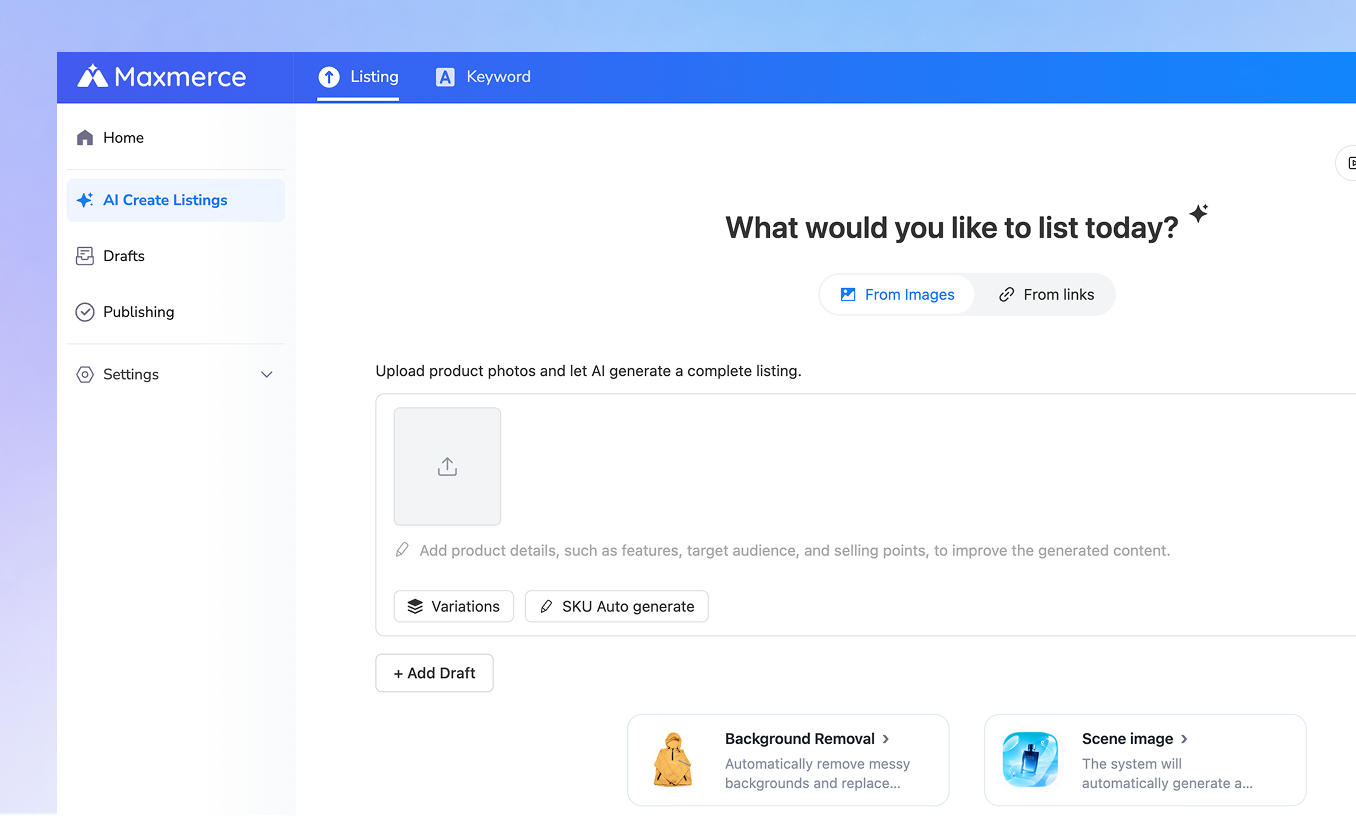
Paste a product URL, upload photos, or add verified details. Maxmerce collects the information needed to build your Amazon listing.
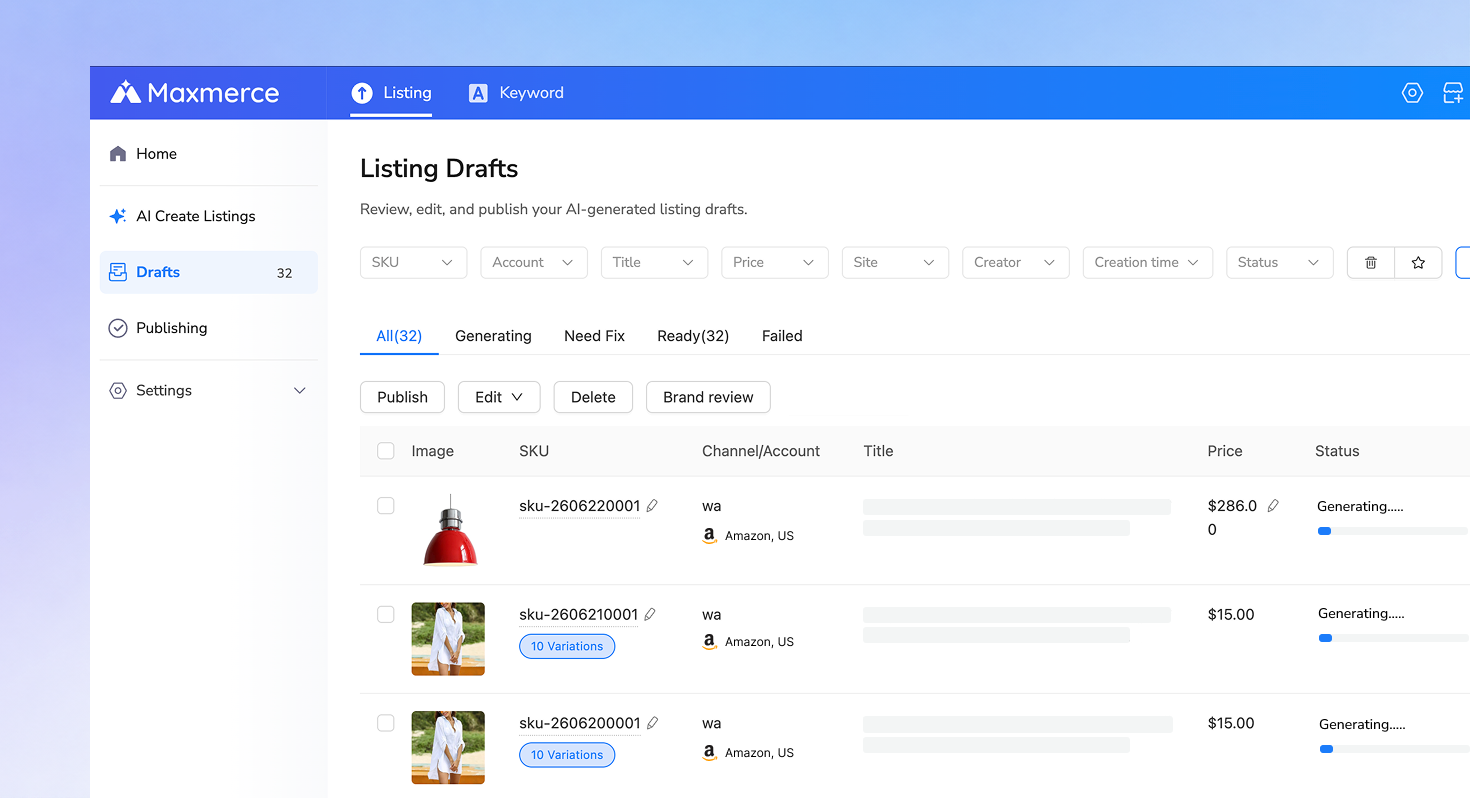
AI creates editable Amazon titles, bullet points, descriptions, attributes, and category-ready content in minutes.
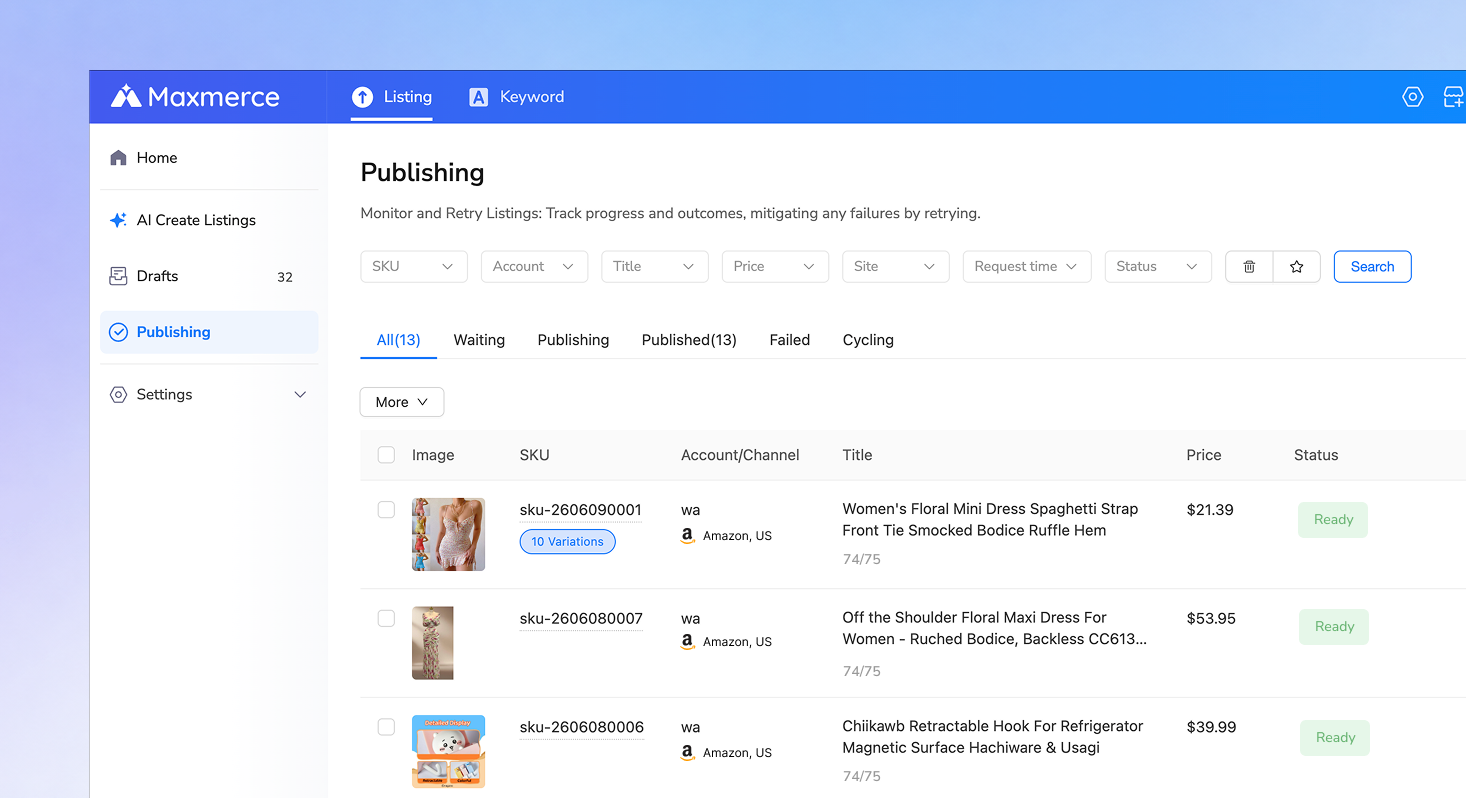
Verify product facts, refine the AI-generated content, and prepare the final Amazon listing for publishing.
Why Amazon sellers choose Maxmerce
Turn product links, photos, and basic product details into high-quality, search-ready Amazon listings. Reach more marketplaces, manage more products, and review every detail before publishing.
Paste a product URL, upload product photos, or add basic product details. Maxmerce AI creates complete, editable Amazon listings with titles, bullet points, descriptions, attributes, search terms, and listing images in minutes.
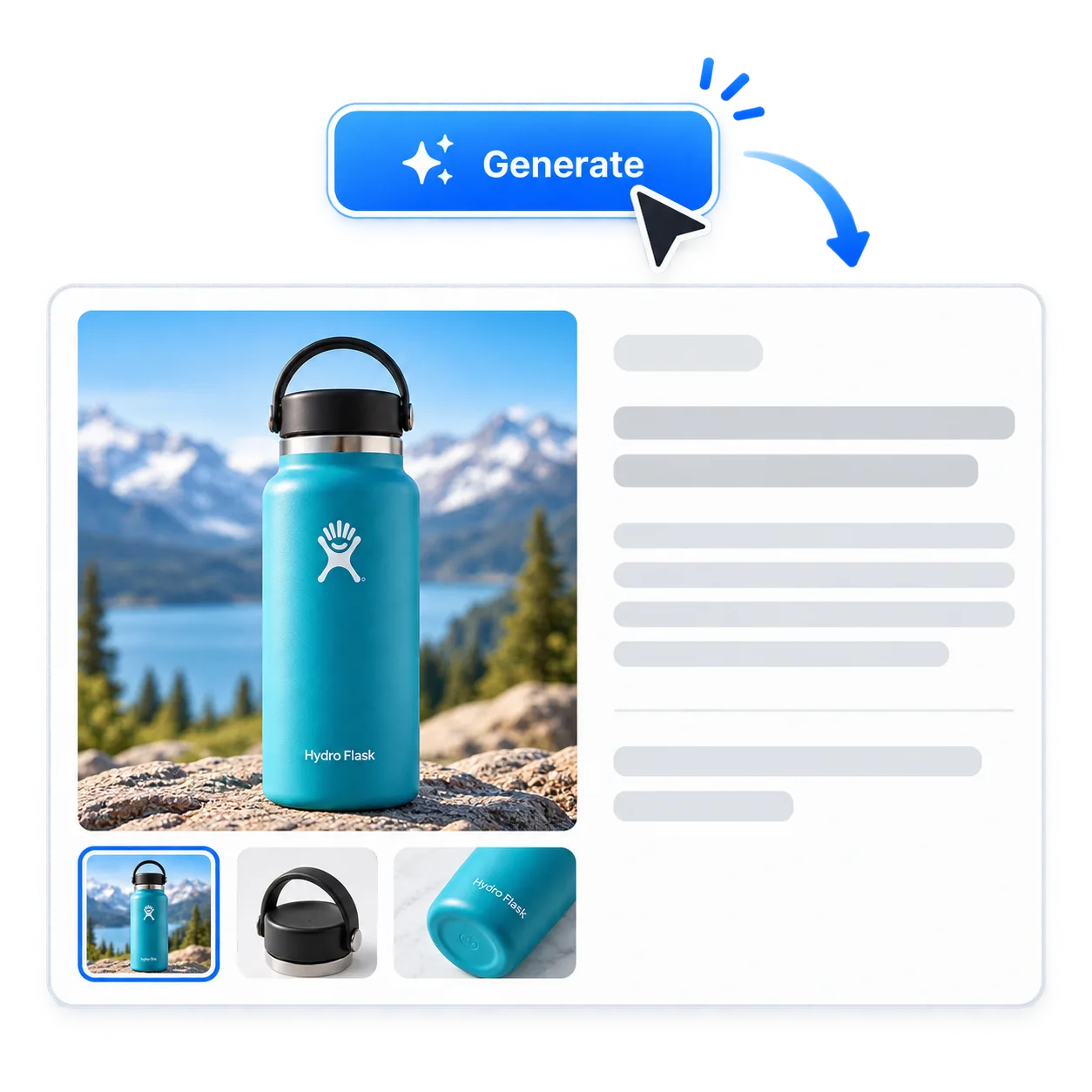
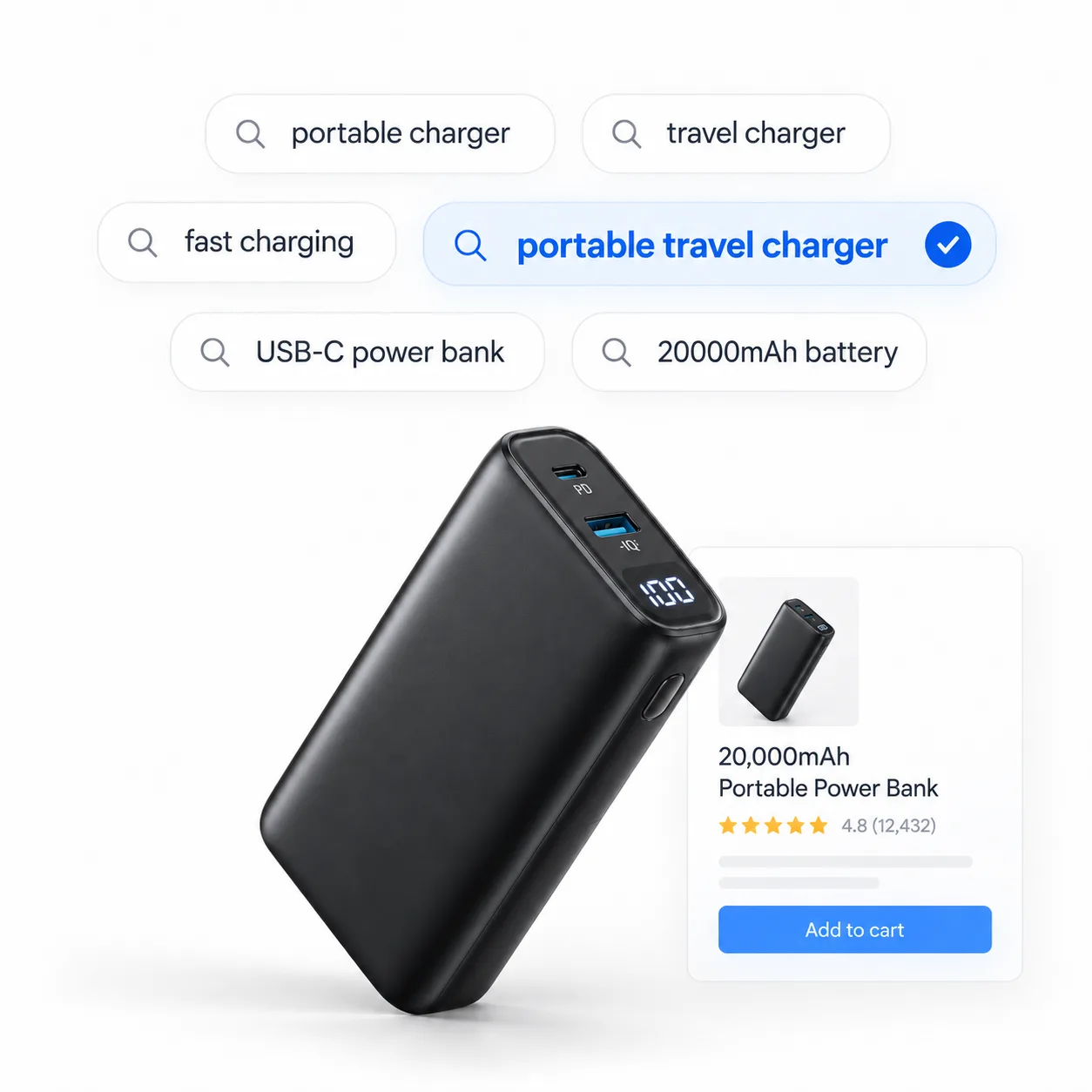
Create keyword-optimized Amazon listings with clear titles, relevant bullet points, detailed descriptions, and backend search terms. Improve search relevance while keeping content natural and useful for shoppers.
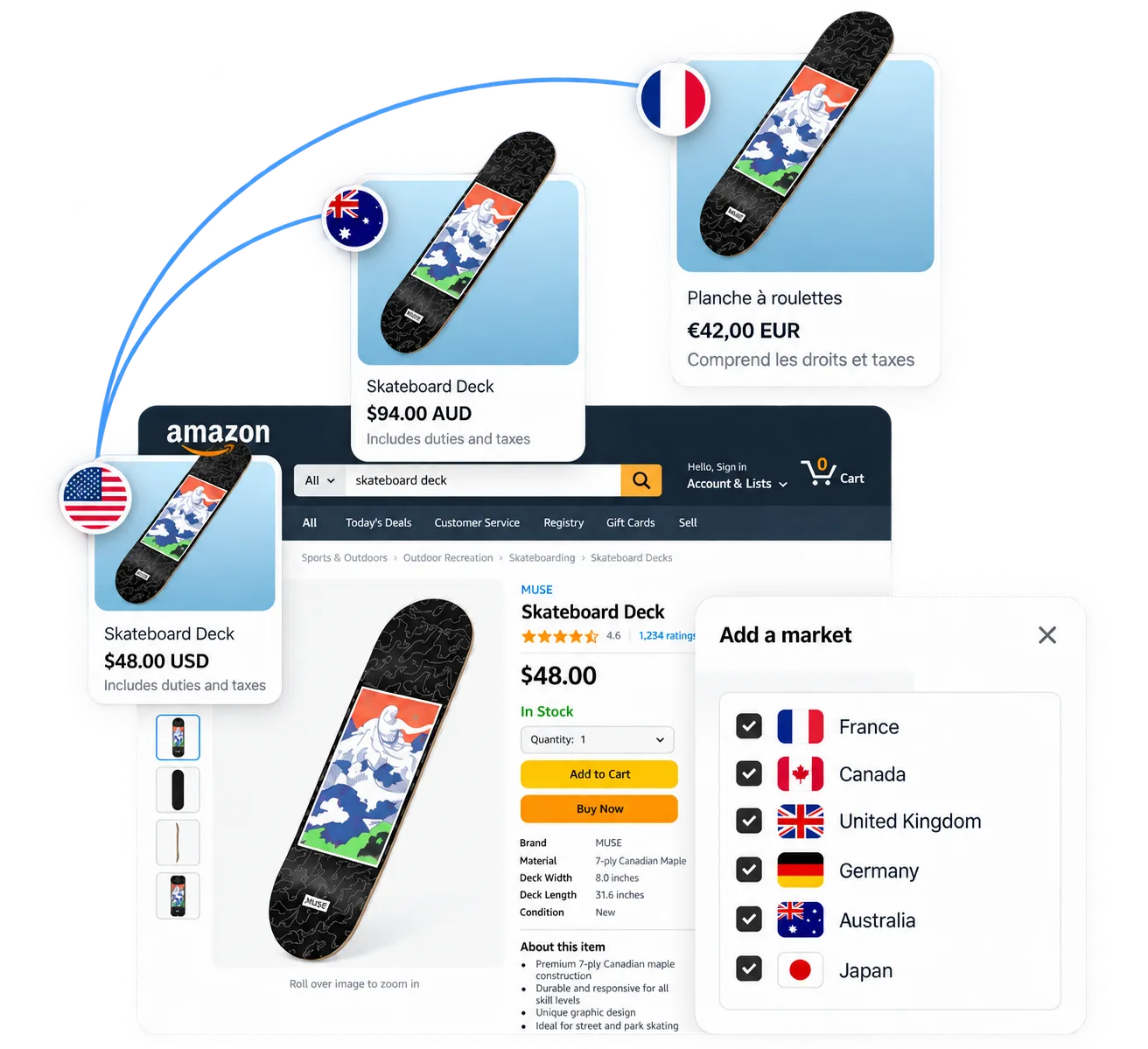
Reuse product details across your catalog instead of rebuilding each listing from scratch. Prepare marketplace-specific drafts, then review local language, search terms, category requirements, and attributes before publishing.
Review and edit every AI-generated title, bullet point, description, attribute, search term, and image before publishing. Maxmerce handles repetitive work while you keep control of product accuracy and the final publishing decision.

Listing Images
Enhance your listings with high-quality product images for different scenarios and use cases that help products stand out and convert better.

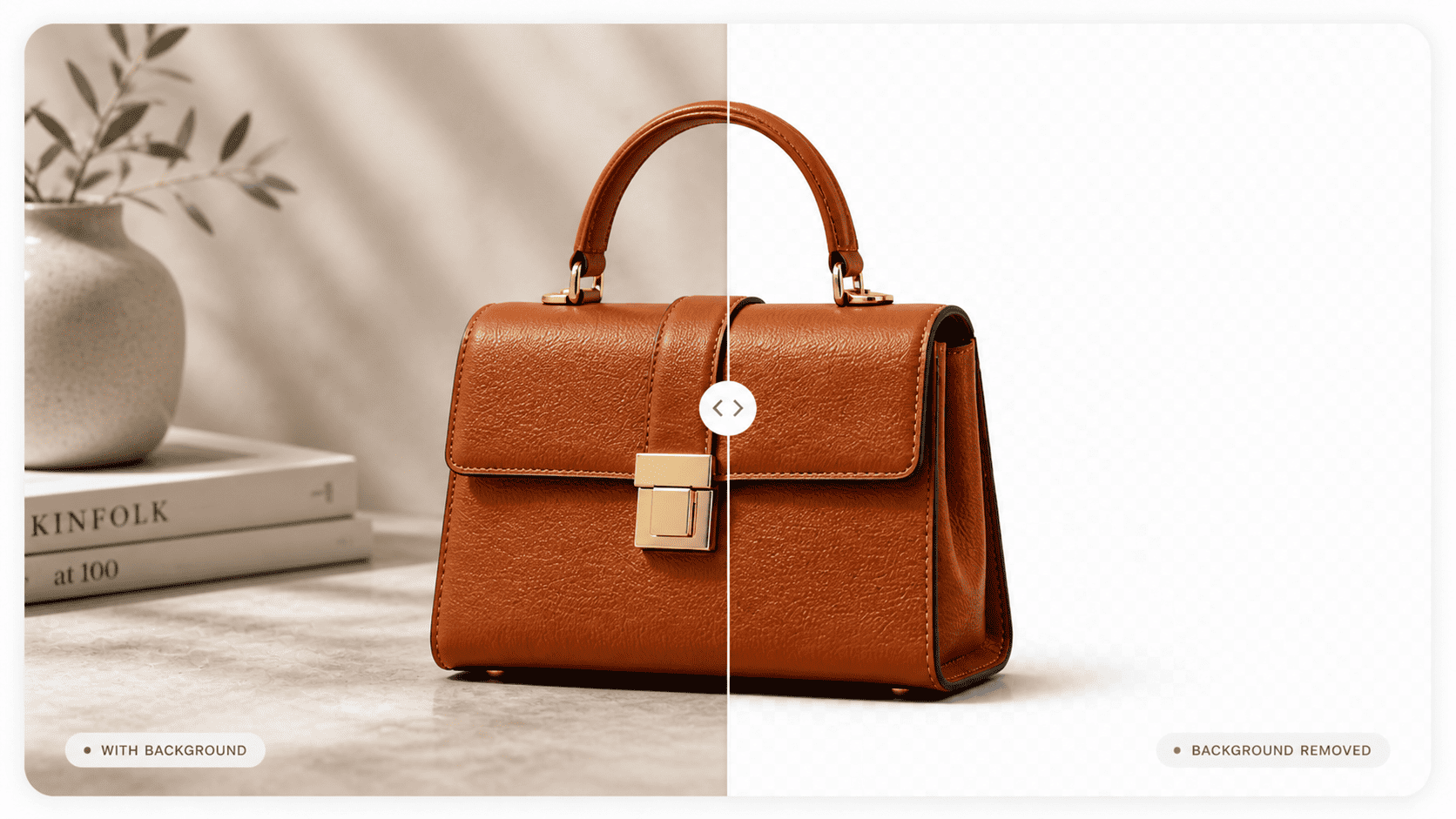
Use Maxmerce AI to clean up backgrounds and remove distracting elements from your Amazon listing images in seconds, significantly reducing manual editing.

Turn plain product shots into richer lifestyle scenes that present benefits more naturally and help drive more clicks and conversions.
We upload product photos and quickly get SEO-ready titles, bullet points, descriptions, and variation content. It saves our team manual work when launching products with multiple variations.

Maxmerce’s AI image tools save us production time. We upload simple product photos and create cleaner listing assets without repeating the same editing work for every product.

We upload product information and images, then Maxmerce generates a structured listing ready for review. It saves us time when testing new products or expanding our catalog.

Creating a listing from a supplier product link saves our team setup time. We paste the URL, review the imported images and specifications, then refine the generated Amazon content before publishing.

Questions
Common questions about creating, optimizing, reviewing, and preparing Amazon listings with Maxmerce AI.
Create your account and start turning product inputs into editable Amazon listings with Maxmerce.